
Moving Your Bookings Online in Singapore: A Step-by-Step Guide for Service Businesses
A practical, vendor-neutral walkthrough for Singapore clinics, studios and tuition centres moving from phone and WhatsApp bookings to online self-service.
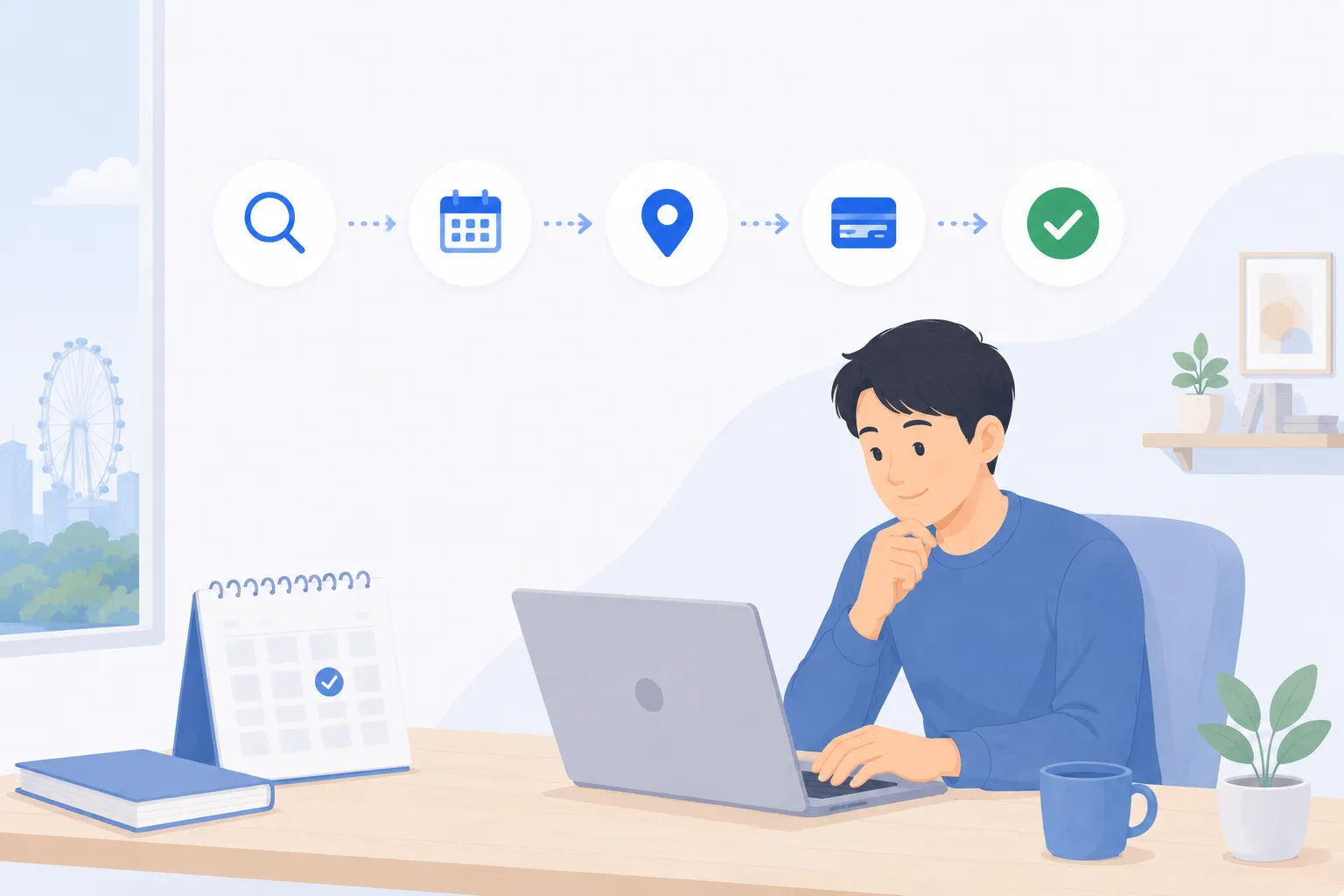
A practical guide for Singapore clinics, studios, tuition centres, and any appointment-based service business (2026).
TL;DR
Moving your bookings online is less about software and more about getting six things in order: your services and durations, your staff availability, a booking page customers can reach, payment at booking, automated reminders, and tidy PDPA-aligned records. Done in that sequence, the transition is low-risk — you run online and manual booking side by side, then let online become the default once it is carrying the load. This guide walks through each step concretely, including the real worries (losing the personal touch, older customers) and how to roll out without disrupting the business you already have.
Why move online at all
If phone and WhatsApp bookings are working, the case for changing has to be honest. Here it is: every booking that goes through a person is a booking that can only happen when that person is awake, free, and not already on another line. Your customers, meanwhile, think about booking at 10pm, on the bus, between meetings — the moments when nobody is at your front desk.
The gap between when people want to book and when you can take a booking is where revenue quietly leaks. A patient who messages two clinics picks the one that replies first. A parent comparing tuition centres enrols at the one that let them book a trial on the spot. Self-service booking closes that gap by letting customers complete a booking themselves, at any hour, without waiting for a reply.
It also moves a steady stream of admin off your staff — the back-and-forth of “is 3pm free?”, the reminders, the rescheduling — so the people you employ for their skill and care spend less time acting as a switchboard.
The rest of this guide is the how, in the order that keeps the change manageable.
Step 1 — Map your services and durations
Before any tool, write down what you actually sell as bookable units. This is the foundation everything else sits on, and most messy booking setups trace back to skipping it.
For each service, you need:
- A clear name customers will recognise (not internal shorthand).
- A duration — how long it blocks the calendar, including any buffer for cleanup, notes, or room turnover.
- Who can deliver it — every staff member, or only some.
- A price, and whether payment is taken at booking or on arrival.
A useful way to lay this out:
| Service | Duration | Buffer | Who delivers it | Payment |
|---|---|---|---|---|
| Initial consultation | 45 min | 15 min | Any practitioner | Deposit at booking |
| Follow-up | 20 min | 5 min | Same practitioner | On arrival |
| Trial class | 60 min | 0 | Any instructor | Free / hold a card |
| Group class | 60 min | 10 min | Assigned instructor | Package or pay-as-you-go |
The buffer column matters more than people expect. A consultation that runs 45 minutes but needs 15 minutes of notes and room reset is really a 60-minute block — if you book it as 45, you will run late by mid-morning. Getting durations honest here is what makes the online calendar trustworthy later.
Do not over-engineer this on day one. List your five to ten most common services, get them right, and add the long tail later.
Step 2 — Set staff availability and capacity
Once you know what you sell, decide when and by whom it can be booked. This is where a booking system earns its keep, because it enforces rules a human diary cannot.
There are two distinct ideas here:
Availability is when each staff member works. A practitioner who consults 9am–1pm and 6pm–9pm should only ever be bookable in those windows, with their lunch and admin blocked off. Each person gets their own calendar so the system never offers a slot that does not exist.
Capacity is how many bookings can happen at once. A one-to-one service has a capacity of one per practitioner. A group class might seat twelve, with a waitlist that automatically fills a spot the moment someone cancels. Getting capacity right is what stops the two failure modes of manual booking: double-booking the same slot, and leaving a cancelled slot empty because nobody knew to re-offer it.
A few rules worth setting now:
- Minimum notice — e.g. no bookings less than two hours out, so staff are not ambushed.
- Booking horizon — how far ahead people can book (a month? a term?).
- Cancellation window — how late someone can cancel without penalty.
This is the heart of the system. A good online booking page shows each staff member’s real-time availability and refuses anything that breaks these rules, so the calendar customers see is always one you can actually honour.
Step 3 — Put a booking page on your site and socials
Now make it reachable. A booking page only works if customers trip over it everywhere they already look for you.
Put the booking link:
- As a prominent “Book now” button on your website, ideally on every page.
- In your Instagram and Facebook bio, and as a pinned post or action button.
- In your Google Business Profile so it appears in Maps and Search.
- In your WhatsApp auto-reply and your email signature.
- On printed material — a QR code on the reception desk, the door, the receipt.
The goal is that any moment a customer thinks “I should book”, the next tap takes them to a live calendar, not a form that lands in an inbox you check twice a day.
This is also the moment to address the most common worry out loud: does self-service make us feel impersonal? In practice it tends to do the reverse. The mechanical steps — finding a free slot, confirming, reminding — are not where warmth lives. Warmth lives in the consultation, the class, the conversation. Automating the mechanics gives your staff their attention back for exactly those moments. And the customers who genuinely want to talk still can; self-service simply absorbs the bookings that never needed a human in the first place.
Step 4 — Take payment at booking
You do not have to collect money up front, but for any service where a no-show costs you a prepared room or a held slot, taking payment at booking changes behaviour. A customer who has paid a deposit shows up, or cancels in time so someone else can take the slot.
In Singapore, the obvious rail is PayNow. It is instant, familiar, and the default way most people now move money — PayNow processed 1.2 billion transactions in Singapore last year, up 48% year-on-year (MAS, 2025). Offering it at checkout meets customers where they already are. Cards cover the rest, including overseas customers and corporate bookings.
Set payment per service, not globally:
- High-cost or high-no-show services — full payment or a deposit at booking.
- Routine follow-ups — pay on arrival.
- Packages and memberships — paid once, then drawn down per visit with no payment friction each time.
A booking flow with online payment at booking ties the payment to the appointment automatically, so reconciliation is not a separate chore. The principle is to give yourself the option and apply it where it actually protects revenue — not to put a paywall in front of every booking.
Step 5 — Automate WhatsApp, SMS, and email reminders
The single highest-return automation is the reminder. The most common reason customers miss appointments is simply that they forgot — not that they changed their mind, and not that they went elsewhere. A reminder at the right moment recovers a slot that would otherwise have sat empty.
Reminders work best as a small sequence:
- At booking — an instant confirmation with the date, time, location, and a link to reschedule.
- 24 hours before — the main nudge, with a one-tap way to cancel if they cannot make it.
- A short reminder closer to the time for longer or higher-value sessions.
Channel matters in Singapore. WhatsApp open rates in Singapore exceed 90%, which is why a WhatsApp reminder lands where an email might sit unread. A practical setup uses WhatsApp or SMS for the time-sensitive nudges and email for the fuller confirmation and any forms.
The payoff compounds with cancellations. When a reminder prompts someone to cancel in time, the freed slot can be offered to your waitlist automatically — turning a would-be empty hour into a filled one. Automated reminders are the least glamorous part of going online and almost always the part that pays for itself first.
Step 6 — Keep PDPA-aligned records and report
Moving online is also a chance to clean up how you hold customer data. Bookings spread across WhatsApp threads, a paper diary, and a spreadsheet are hard to secure and harder to honour an access request against. A single system, used properly, makes Singapore’s PDPA easier to live up to, not harder.
The PDPA’s well-known principles map cleanly onto booking data:
- Consent and purpose — capture consent at booking and use the details only for the booking and related service.
- Reasonable security — store data in a system with proper access controls, not an open shared chat.
- Retention limitation — do not keep records longer than you need them.
- Access and correction — be able to show a customer their data and fix it on request.
- Accountability with vendors — if you use a booking provider, you remain accountable, so choose one that stores data securely and lets you meet these obligations. The regulator is the PDPC.
The reporting side is the quiet upside. Once bookings, payments, and attendance live in one place, you can finally see the things that were invisible before: which services fill, which slots sit empty, your no-show rate, and which staff or classes are at capacity. That turns guesswork about your own business into something you can actually act on. A medical example of this end to end is covered in our piece on the clinic appointment booking system in Singapore.
Rolling it out without disruption
The mistake is treating the switch as a hard cutover. It does not need to be.
A low-risk sequence:
- Set it up quietly — services, availability, payment, reminders — and book a few test appointments yourself end to end.
- Run in parallel for two to four weeks. Keep taking phone and WhatsApp bookings, but enter them into the system so it stays the single source of truth.
- Steer new bookings online — lead with the booking link in replies, add the QR codes, update your bio. Let it carry more of the volume naturally.
- Make online the default once most bookings already flow through it, while keeping a staffed channel for anyone who prefers to talk.
What changes day to day is mostly subtraction: fewer “is this slot free?” messages, fewer forgotten reminders, fewer double-bookings, less end-of-day reconciliation. Your front desk stops being a switchboard and starts being a front desk again. The personal relationships you have built do not go anywhere — they just stop being bottlenecked by the mechanics of writing times into a diary.
If you want to see how these six steps fit together for your specific service — clinic, studio, tuition centre, or otherwise — the fastest way is a quick walkthrough on your own setup.
See your services, availability, PayNow payments, and WhatsApp reminders working together before you commit to anything. Request a demo →
Frequently asked questions
How long does it take to move a small Singapore business onto online booking?
Most single-location service businesses can map their services, set staff availability, and publish a booking page within a day or two of focused work. The longer part is rolling it out to customers and building the habit on your side. A sensible approach is to run online and manual booking in parallel for two to four weeks, then make online the default once it is carrying most of your volume.
Will online booking make my business feel less personal?
It usually does the opposite. Automating the mechanical parts — finding a slot, confirming, reminding, collecting payment — frees your staff to spend their attention on the actual conversation and care. Customers who want to book at 11pm get a slot instantly, and customers who prefer to talk still can. The personal touch lives in the service, not in who manually writes the time into a diary.
What about older customers who are not comfortable booking online?
Keep a staffed channel open. Online self-service is meant to absorb the bookings that do not need a human, so your team has more time for the ones that do. A receptionist can book on a customer's behalf through the same system, so there is still a single source of truth for availability whether the customer self-served or called in.
Do I need to take payment at the time of booking?
No, but it helps for services where no-shows are costly. Collecting a PayNow deposit or full payment at booking filters out casual bookers and gives people a reason to turn up or cancel in time. You can also offer pay-on-arrival for customers who prefer it. The point is to have the option, configured per service rather than forced on everyone.
Is online booking compliant with Singapore's PDPA?
It can be, and a proper system makes compliance easier than spreadsheets or WhatsApp threads. The PDPA's principles — consent, using data only for the stated purpose, reasonable security, not keeping data longer than needed, and letting people access or correct their records — map directly onto how a booking system stores customer details. The PDPC is the regulator; if you use a vendor, you remain accountable for the data, so choose one that stores it securely and lets you honour access and deletion requests.
Can I keep using WhatsApp if I move bookings online?
Yes, and most Singapore businesses should. The shift is not about dropping WhatsApp as a channel — it is about removing the manual coordination behind it. Customers can still reach you on WhatsApp, while reminders and confirmations go out automatically and availability is managed in one place instead of across open chat threads.
Related articles
Online Booking vs Phone & DM Bookings: The Real Cost (Singapore)
An honest cost comparison of taking bookings by phone, WhatsApp and walk-in versus a 24/7 online booking page for Singapore service businesses.
PDPA Checklist for Appointment-Based Businesses in Singapore
A plain-English PDPA checklist for Singapore clinics, studios, tuition centres and salons that take bookings and hold customer data, with a practical table.
The State of Online Booking in Singapore 2026
How Singapore consumers and service businesses book in 2026 — self-service, mobile-first, PayNow at booking, WhatsApp reminders, and owning your own page.
Ready to fill every slot?
See how BooknGo keeps your calendar full and your admin on autopilot.