
Class Booking Software Singapore
Scheduling best practices for multi-branch enrichment centres in Singapore — how to centralise scheduling, plan instructors, reduce no-shows, and choose the right class booking software.
Scheduling Best Practices for Multi-Branch Enrichment Centres
Running a single enrichment centre in Singapore is already demanding. The moment you expand to two or more branches, complexity multiplies quickly. What once worked on a shared spreadsheet or WhatsApp group breaks down almost immediately — schedules clash, instructors get double-booked, parents receive conflicting information, and your admin team spends more time fixing errors than serving students. Cloud-based booking systems allow service providers to manage their availability in real-time, preventing double bookings and scheduling conflicts.
The right class booking software Singapore enrichment centres actually need: a platform that acts as an essential business tool, centralises scheduling, streamlines appointment management, and automates the entire booking process across all branches. An appointment scheduling software not only simplifies bookings but also helps save time by reducing manual work, minimising scheduling errors, and integrating with other business tools for greater efficiency.
This guide covers the scheduling best practices that work specifically for multi-branch enrichment centres in Singapore — from structuring your system on day one to the features that separate a good appointment booking system from a great one.
Why Multi-Branch Enrichment Centres Need Dedicated Class Booking Software in Singapore
Managing a single location with a general calendar is manageable. However, once you operate three or more branches—with different instructors, class types, term schedules, and capacity limits—the complexity quickly becomes unmanageable.
The specific challenges Singapore enrichment centres face include:
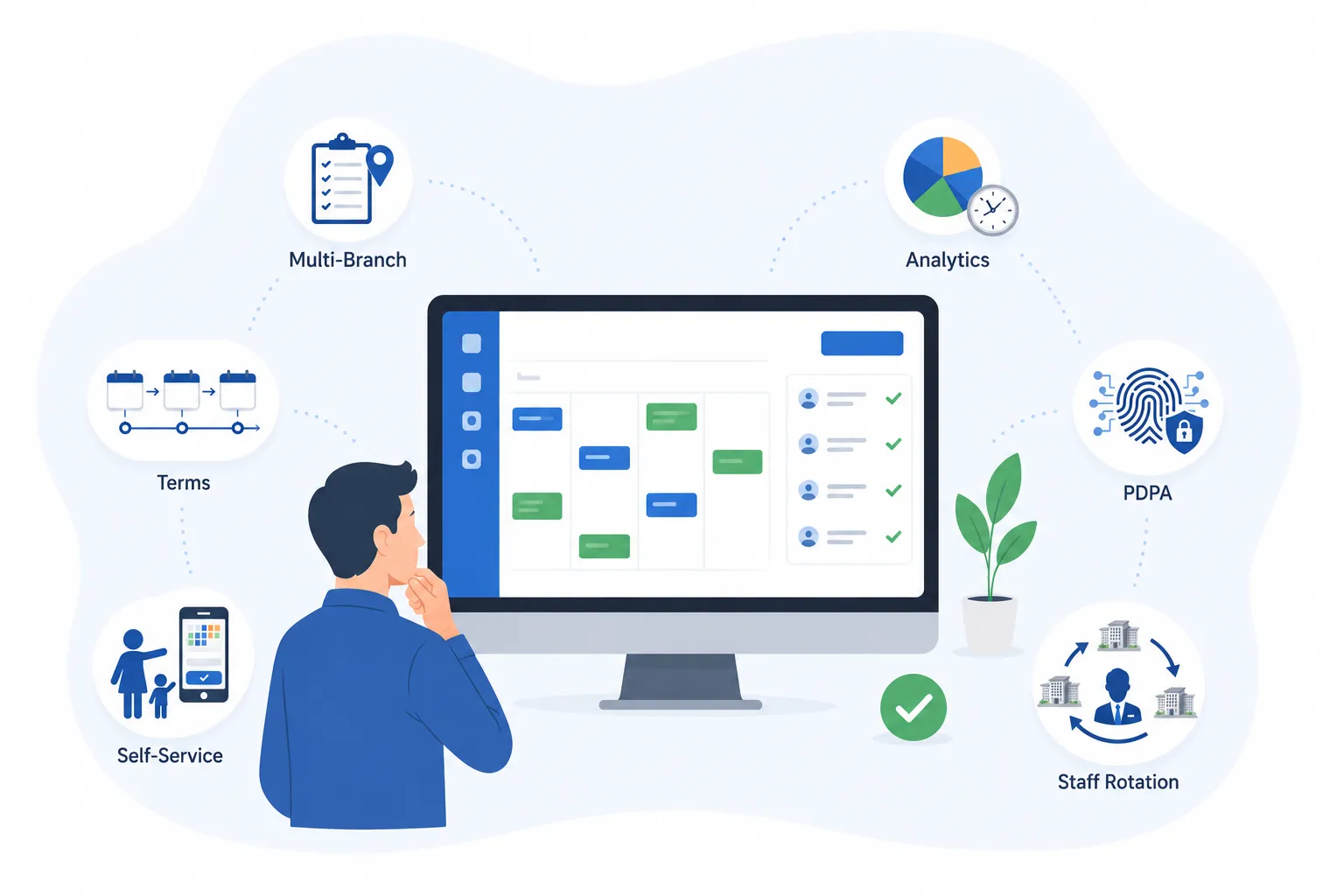
- Term-based scheduling — enrichment centres run in fixed school-term cycles. Your software needs to handle term enrolments, mid-term joiners, and carryover credits cleanly.
- Parent-facing booking — most bookings come from parents, not students. They expect a mobile-friendly, self-service booking experience without calling the centre during working hours.
- Instructor rotation across branches — many centres share tutors across locations. Without a centralised appointment booking system, preventing scheduling conflicts is nearly impossible.
- PDPA compliance — collecting and storing student and parent data in Singapore requires compliance with the Personal Data Protection Act. Your class booking software should have consent tracking built in.
Customizable booking interfaces allow enrichment centres to tailor the scheduling experience to their unique business needs, which can improve both client engagement and operational efficiency.
Choosing the best appointment scheduler software means finding a platform that handles all of these requirements without demanding a full-time admin just to keep it running.
Centralise Your Scheduling from the Start
The single most impactful decision you can make when expanding to multiple branches is to centralise your scheduling system before the second branch opens — not after problems arise.
When each location manages its own schedule independently, you create operational silos. Branch A does not know what Branch B’s instructors are doing. Head office has no real-time visibility into attendance or capacity. Parents who use multiple branches get inconsistent experiences.
A centralised class booking software Singapore solution gives you:
Moving from per-branch scheduling to a centralised appointment booking system is where most multi-branch centres see the biggest immediate improvement in operational efficiency.
Standardise Your Class Structure Across Branches
Centralisation works best when your class structure is consistent enough to be managed uniformly. This does not mean every branch needs identical offerings — but your naming conventions, appointment types, and scheduling rules should follow the same framework to streamline scheduling and enable automation.
Features such as real-time scheduling, waitlist management, and GST-compliant reporting are essential for effective class booking software.
What to standardise across all locations
- Class durations — use fixed lengths such as 60 or 90 minutes rather than varying by branch
- Buffer times between sessions — 15 minutes is a common baseline for room reset and student transitions
- Class naming conventions so the same subject is findable under the same name regardless of branch
- Cancellation and rescheduling windows — for example, 24-hour notice required at all locations
- Capacity limits per class type, including support for group bookings to efficiently manage multiple attendees for group sessions
Standardisation makes it far easier to move instructors between branches, compare class performance, and train new admin staff. It also makes your class booking software work more effectively — most scheduling platforms perform better when the data going in is clean and consistent.
Build Your Schedule Around Parent and Student Demand
One of the most common scheduling mistakes enrichment centres make is building timetables around instructor availability rather than when parents actually want to book.
For most Singapore enrichment centres, demand follows a predictable pattern:
- Peak slots: Weekday evenings from 5pm to 8pm and Saturday mornings are almost always the highest-demand windows. Your flagship classes and most popular programmes should run here.
- Secondary slots: Sunday afternoons and school holiday periods work well for intensive or holiday programmes.
- Lower-demand slots: Weekday mornings and early afternoons suit smaller group sessions, trial classes, or premium one-to-one tutoring.
The best appointment scheduler software for small businesses in Singapore gives you real-time booking analytics so you can see exactly which time slots fill fastest and where seats consistently go empty. Use this data to make data-driven decisions each term, optimizing your class schedules based on actual demand rather than intuition.
Tip: Set up automatic waitlists for your most popular classes. When a cancellation comes in, the next parent on the waitlist gets an instant notification — filling slots that would otherwise go empty with zero admin effort.
Plan Instructor Allocation Strategically
In multi-branch enrichment centres, instructors are often shared across locations. This is where scheduling gets genuinely complex — and where good class booking software earns its keep. Effective appointment management software helps prevent double bookings and boost productivity by allowing businesses to set clear parameters for when clients can book services, based on staff availability and business hours.
Key considerations for instructor scheduling
- Travel time between locations — an instructor finishing at Tampines at 7pm cannot realistically start at Jurong at 7:30pm. Your appointment booking system should flag these conflicts automatically and help efficiently schedule appointments for instructors across branches.
- Consecutive class loads — back-to-back teaching across multiple branches in a single day is unsustainable. Build in rest periods the same way you build buffer times between classes.
- Subject or qualification restrictions — some instructors may only be qualified for certain programmes. Your system should support assigning instructors by qualification, not just availability.
Grouping an instructor’s classes within the same geographic area on a given day reduces travel demands and significantly lowers the risk of missed sessions due to transit delays. Instructor retention directly affects the quality of your classes — scheduling is one of the key levers you have to support both.
Offer Self-Service Booking for Parents
Parents in Singapore expect to manage bookings on their own schedule — not only during your centre’s operating hours. A user-friendly, mobile-first online appointment booking system helps you reach a wider audience and significantly improves customer experience. Offering self-service online booking is no longer a differentiator; it is a baseline expectation.
Your class booking software Singapore should allow parents and clients to:
| Browse classes in real time | Book, reschedule or cancel | Pay at the point of booking |
|---|---|---|
| View available classes and time slots instantly — always up to date. | Manage appointments online — no calls or messages to the centre needed. | Full payment, deposit, or instalment — collected securely at checkout. |
| Automatic confirmations & reminders | Dedicated parent portal | Mobile-friendly booking access |
| Booking confirmations and class reminders sent via SMS or email automatically. | Access booking history and upcoming schedules anytime from one place. | Manage bookings, purchase packages, and stay engaged — all from a mobile-optimized web interface, no app required. |
This reduces your inbound call and WhatsApp volume significantly. It also captures bookings outside business hours — a meaningful advantage when parents are most likely to be making scheduling decisions in the evenings or on weekends. An intuitive user interface lead to higher customer satisfaction and retention, as clients are more likely to return to a service that is easy to use.
Use Automated Reminders to Reduce No-Shows
No-shows are one of the most costly and preventable problems in class-based businesses. When a parent forgets a session, you lose revenue, the instructor’s time is wasted, and the slot could have been filled by someone on the waitlist.
A good class booking software Singapore solution sends automated notifications and automatic confirmations at configurable intervals — typically 48 hours and again 2 hours before the class — to remind clients of their upcoming appointments. These automated reminders are a key feature for enhancing client engagement and improving overall scheduling efficiency by keeping all parties informed. For Singapore enrichment centres, the most effective reminder channels are SMS, WhatsApp, and email. Centres using automated reminder systems consistently see a significant reduction in missed appointments and no-show rates, helping to reduce missed appointments with zero additional manual work for your team. Follow ups and reminders are essential for reducing missed appointments and keeping clients engaged throughout the scheduling process.
Manage Class Capacity and Waitlists Carefully
Overbooking damages the quality of your classes and creates unhappy parents. Underbooking wastes resources. The right class booking software Singapore provides robust appointment management features that help you efficiently track new bookings and booked appointments, ensuring you maintain precise capacity controls so neither happens.
Key features to look for include
- Real-time class capacity tracking and automated waitlists
- Notifications for new bookings and updates to booked appointments
- Appointment management tools for streamlined scheduling and calendar synchronization
- Customizable booking interfaces that improve operational efficiency
- Easy rescheduling and cancellation options for both staff and clients
Best practices for capacity management
- Set hard limits per class so the system automatically blocks booking once capacity is reached
- Enable automatic waitlisting so interested parents are queued and notified instantly when a spot opens
- Configure different capacity limits for different class types — group classes versus small-group intensive sessions
- Use occupancy data over time to decide when to add a new session or retire an underperforming time slot
Waitlists also serve as a demand signal. If a class consistently has five or more parents waiting each term, that is a clear indicator to open a second session at the same time slot.
Integrate Payments Directly Into Your Booking Flow
Separating payment from booking creates unnecessary friction and admin overhead. Integrated online payment gateways in class booking software Singapore allow clients to pay at the time of booking, streamlining payment processing and appointment confirmation. The best appointment scheduling app also allows integration with third-party applications, such as payment processors and communication platforms, enhancing functionality and streamlining business operations. This ensures that payments are collected upfront, reducing manual follow-up and improving operational efficiency.
The best appointment scheduler software for small businesses in Singapore supports a variety of online payments, including PayNow, Google Pay, Apple Pay, credit and debit cards, deposit collection for term enrolments, and package or membership billing for centres that sell class bundles. PayNow is preferred by most Singaporean customers due to its speed and low transaction fees. The system should also automatically generate GST-inclusive receipts in PDF format to comply with IRAS tax standards in Singapore.
When clients pay at booking through secure online payment gateways, your capacity data is accurate, your revenue is recognised earlier, and your admin team spends far less time on follow-up.
Features to Look for in Class Booking Software for Singapore Enrichment Centres
| Feature | Why it matters for enrichment centres |
|---|---|
| Multi-branch management | Single dashboard for all locations and instructors |
| Term-based enrolment | Handles Singapore school-term cycles natively |
| Parent self-service portal | Enables bookings outside business hours with no admin required |
| Automated SMS and email reminders | Reduces no-shows without any manual effort |
| Real-time capacity controls | Prevents overbooking per class automatically |
| Automatic waitlisting | Fills cancellations instantly with queued parents |
| PayNow and card payment | Covers Singapore’s most-used payment methods |
| PDPA consent tracking | Required for compliant data collection in Singapore |
| Instructor scheduling across branches | Prevents double-booking of shared tutors |
| Analytics and reporting | Term-on-term performance comparison per branch |
| Calendar sync & Google Calendar integration | Two-way syncing with Google Calendar and Outlook prevents double bookings and scheduling conflicts |
| Online appointment scheduling system & appointment scheduling software | Comprehensive features for class and event management, automated reminders, and streamlined booking processes |
| User interface | Intuitive, user-friendly design makes setup and navigation easy for staff and parents |
| Third-party app integration | Connects with payment processors and communication platforms to streamline operations |
See how BooknGo centralises scheduling across branches, manages instructor allocation and waitlists, and collects PayNow payments for Singapore enrichment centres. Request a demo →
Frequently asked questions
What is class booking software and why do Singapore enrichment centres need it?
Class booking software is a scheduling platform that enables online appointment scheduling for classes and services, allowing businesses to manage class timetables, take online bookings, collect payments, and send automated reminders. For Singapore enrichment centres — especially those with multiple branches — it replaces manual processes like WhatsApp bookings and spreadsheets with a centralised, automated system that reduces admin workload and improves the experience for parents.
What features should I look for in class booking software in Singapore?
Look for multi-branch support, parent self-service booking, customizable appointment types, PayNow integration, automated SMS and email reminders, PDPA-compliant data collection, real-time capacity management with waitlisting, and term-based enrolment handling. The best appointment scheduler software for small businesses in Singapore combines all of these in a single platform without requiring separate tools for each function.
How does class booking software reduce no-shows at enrichment centres?
Automated reminders sent via SMS or WhatsApp 24 to 48 hours before a class are the most effective tool for reducing missed appointments and no-shows. Requiring upfront payment or a deposit at booking also significantly reduces last-minute cancellations, as parents have a financial commitment attached to the confirmed slot.
Can class booking software handle multiple branches and shared instructors?
Yes — multi-branch support is one of the primary use cases for centralised scheduling software. A good platform lets you assign instructors across branches, manage group bookings as well as individual reservations across different locations, and gives head office full visibility into all branch schedules in real time.
Is parent and student data safe with an online booking system?
Reputable Singapore booking software providers comply with PDPA (Personal Data Protection Act) and GDPR. Look for platforms that offer SSL encryption, consent tracking at the point of data collection, and clear data retention policies. Many solutions also use intake forms for compliant data collection, ensuring that client or patient information is gathered securely and in line with regulations. BooknGo is PDPA-compliant and includes built-in consent form management.
How long does it take to set up class booking software for an enrichment centre?
Most enrichment centres can have a basic setup — class types, branches, instructor profiles, and a live booking page — running within one to two business days. More complex configurations with multiple branches, custom membership packages, and payment integrations typically take three to five business days with support.
Do parents need to download an app to book classes?
No. The best class booking software Singapore platforms provide both a web-based booking page and a client app for convenience. Parents can choose to use the client app to book, reschedule, and manage their child's enrolments directly from their smartphones, or simply access the web-based booking page from any browser on mobile or desktop without downloading anything.
Related articles

Moving Your Bookings Online in Singapore: A Step-by-Step Guide for Service Businesses
A practical, vendor-neutral walkthrough for Singapore clinics, studios and tuition centres moving from phone and WhatsApp bookings to online self-service.
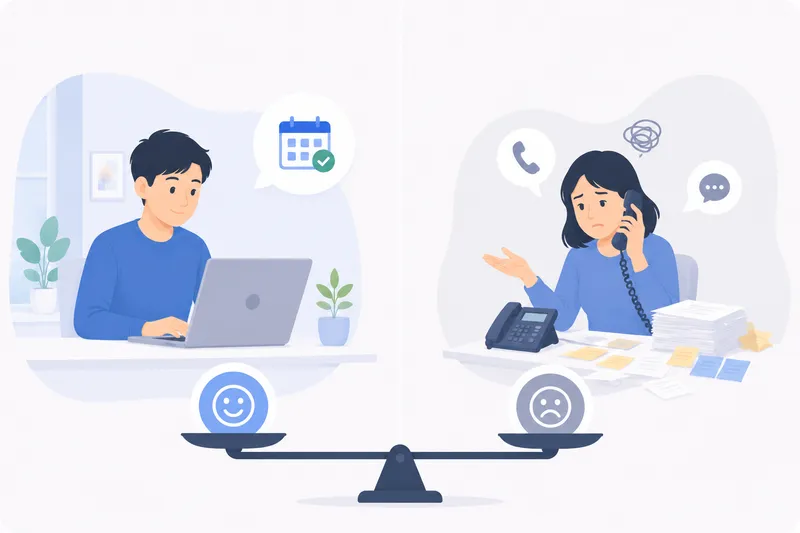
Online Booking vs Phone & DM Bookings: The Real Cost (Singapore)
An honest cost comparison of taking bookings by phone, WhatsApp and walk-in versus a 24/7 online booking page for Singapore service businesses.
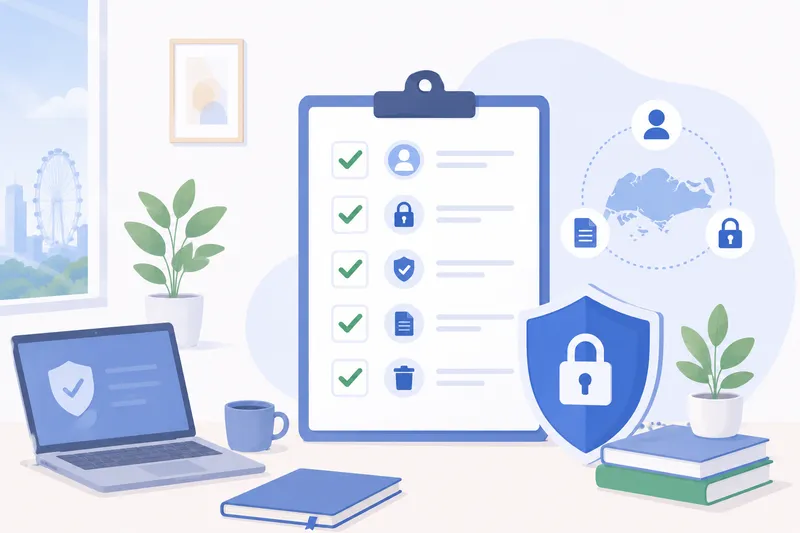
PDPA Checklist for Appointment-Based Businesses in Singapore
A plain-English PDPA checklist for Singapore clinics, studios, tuition centres and salons that take bookings and hold customer data, with a practical table.
Ready to fill every slot?
See how BooknGo keeps your calendar full and your admin on autopilot.