
How to Choose the Best Appointment Scheduler Software for Schools in Singapore
Choosing a school appointment scheduler Singapore? Learn what features matter most, from facility booking to automation and integrations.
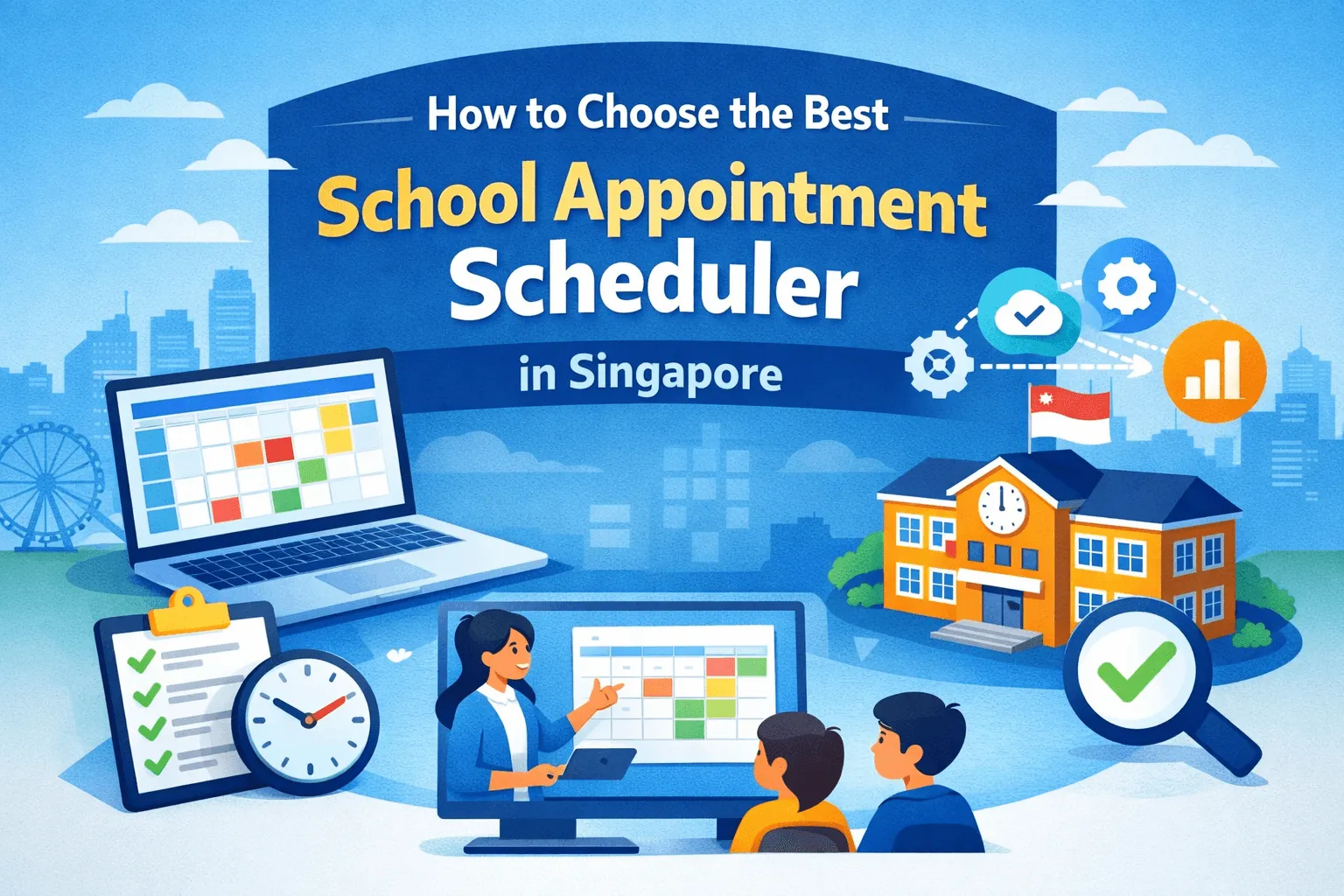
Schools and tutoring centres in Singapore are under constant pressure to deliver better learning outcomes while running leaner operations. The right appointment scheduler software for schools removes administrative friction, improves student and parent experience, and helps teams manage spaces and staff more efficiently. As Singapore accelerates its EdTech Masterplan, now’s the time for school leaders to pick solutions that do more than book appointments; they should support facility booking and integrate with broader facility management software ecosystems.
Leading appointment scheduler software displays real-time availability and allows students and parents to self-book appointments via an online booking page accessible from any web browser, ensuring convenience and up-to-date scheduling.
This guide, written with a decade of SaaS and e-commerce content experience, walks you through what schools in Singapore should look for, how to compare vendors, and which features deliver the biggest ROI.
Why Schools Need Modern Appointment Scheduler Software Now
Post-pandemic education models and Singapore’s EdTech roadmap mean digital tools are no longer optional. Parents and students, as customers of the school, benefit from improved organization and centralized control over scheduling and facilities, making it easier to manage appointments and facility usage. They expect self-serve booking, instant confirmations, reminders, and a single view of schedules and rooms. At the same time, schools must contend with teacher shortages, tight budgets, and increasing expectations around transparency and data privacy.
Modern appointment schedulers solve several problems at once: they reduce no-shows, free up admin time, and give facilities teams better visibility and control over room usage and maintenance needs.
Top Benefits:
-
Faster bookings and fewer administrative calls
-
Automated reminders to lower no-show rates
-
Centralised facility booking to avoid clashes
-
Data for planning, compliance, and resource allocation
Core Features to Prioritize
When evaluating affordable appointment scheduling tools suitable for use in Singaporean schools, don’t just look at the UI. A straightforward interface and advanced technology are essential for seamless scheduling and efficient management. Prioritise these functional wins:
1. Multi-user & Role Permissions
Teachers, front-desk, admin and facilities managers need different access.
2. Calendar Sync & Two-Way Integration
Google Calendar seamlessly integrates with existing tools in the Google ecosystem, while Microsoft Outlook Calendar integrates with Outlook email and Office apps. Two-way updates prevent double bookings and keep everyone in sync.
3. Resource & Room Booking (Facility Booking)
Ability to reserve classrooms, labs, auditoriums, and equipment alongside tutor slots.
4. Schedule Meetings & Meet Virtually or In-person
Schedule meetings of all types (one-on-one, group, round robin) and meet via integrated video conferencing tools like Zoom, Google Meet, and Microsoft Teams.
5. Integration/Connectivity with Other Tools
Connect your scheduler with Google Calendar, Microsoft Outlook, and other systems for seamless syncing and automation.
6. Automation Features
Automate appointment reminders, set buffer times between appointments, and receive instant notifications. Book n Go automates reminders to reduce no-shows.
7. 24/7 Accessibility & Self-Booking
Allow students to book appointments at their convenience, even outside office hours, with 24/7 self-booking options.
8. Rescheduling, Cancellations, and Clear Policies
Provide options for customers to reschedule or cancel appointments online, and maintain a clear cancellation policy to prevent last-minute cancellations and no-shows.
9. Payments & Billing Integration
For tuition, materials, or deposits (especially for private centres).
10. Mobile Accessibility & SMS/Email Reminders
Drives attendance and parent satisfaction.
11. Reporting & Analytics
Utilization rates, no-show trends, and revenue by course help leaders make data-driven decisions.
12. APIs / LMS / SIS Integrations
The scheduler should plug into your existing Student Information System or Learning Management System.
A solid facility management backbone makes these features scalable; schools that pair scheduling with a purpose-built facility management software see better uptime, predictive maintenance, and smarter capital planning.
Tools like Book n Go offer these capabilities, including seamless integration with Google and Microsoft ecosystems, automated reminders, and user-friendly interfaces. Automated scheduling technology can reduce administrative work by 30-50%, making it easier to plan ahead, manage meetings and appointments, and keep everyone connected.
How to Choose Between Vendors: 6 Quick Tests
Not all schedulers are created equal. Use this quick checklist during demos:
-
Can it handle multi-location scheduling across different locations? (essential for school groups managing multiple sites)
-
Does it support recurring bookings with different recurrence rules? (term-based classes need flexibility)
-
Is facility booking linked to capacity limits and equipment? (AV gear, lab benches, etc.)
-
How strong is the calendar integration? (real two-way sync vs manual export)
-
Does it expose APIs or prebuilt connectors to your SIS/LMS?
-
How about security & privacy? (data residency, encryption, and student privacy compliance)
Ask vendors to show real school-configured demos — not generic templates. Ideally, test with a small pilot group (one department or branch) before rolling out campus-wide.
Recommended Product Categories
1. Lightweight Schedulers (Best for Individual Tutors & Small Centres)
Good for 1–10 tutors who need a fast, personal scheduling solution—ideal for personal use or for tutors seeking lightweight appointment scheduler software for schools. These tools offer quick booking links, payment integration, and calendar sync. They are cheap and fast to launch but may lack advanced facility controls.
2. School-Grade Schedulers with Facility Booking (Best for Medium Tutoring Centres & Private Schools)
These solutions are designed to support business operations and streamline both student and facility bookings. They combine appointment booking with room/resource reservations and basic reporting. They’re ideal when you need both student bookings and facility booking in a single flow.
3. Enterprise Scheduling + Facility Management Suite (Best for Large Schools, Polytechnics, or Multi-Campus Groups)
Combines appointment scheduling with a robust facility management software, maintenance workflows, asset tracking, and deeper analytics. These are pricier but deliver major operational savings when scaled.
Implementation Tips for Singapore Schools
-
Map workflows first. Before buying, document how bookings, cancellations, rescheduling, and classroom assignments work today. Then identify where automation will remove friction.
-
Prioritize integration. Make sure the scheduler can read/write to calendars, your SIS, and payment gateway.
-
Pilot with a single department. Run a 6–8 week pilot to gather adoption metrics and refine communications (email templates, SMS format).
-
Train and document. Short video walkthroughs and a one-page cheat sheet are often more effective than long manuals.
-
Measure adoption & impact. Track no-show rates, time saved per admin staff, room utilization, and bookings per tutor. These KPIs prove ROI and support expansion decisions.
SEO & Comms: How to Position Your New Scheduler to Parents and Staff
When announcing a new system, use clear, benefit-led messaging:
-
For parents: “Book classes instantly, receive SMS reminders, and manage sessions from your phone.”
-
For teachers: “Less admin, more teaching: automated rosters and instant session links.”
-
For facilities teams: “Real-time room schedules and maintenance alerts, avoid clashes and reduce wear.”
Include a short FAQ on privacy and data handling, and give parents a one-click opt-out option for SMS if required.
To learn more about our school appointment scheduler Singapore, explore our full range of features and plans, or contact our team for personalized support and partnership opportunities at Book n Go Singapore.
Common Pricing Models
-
**Per-user / per-seat: **Good for small teams but gets expensive for large faculties.
-
Per-booking / transaction fee: Predictable for low volume but can spike with seasonal demand.
-
**Flat monthly / tiered: **Best for scaling; ensure tiers include necessary facility booking features.
-
Add-ons: API access, advanced reporting, and integration connectors can be extra budget for them
Ask vendors for a Total Cost of Ownership estimate for 12–24 months, including onboarding and support.
Closing Thoughts
Singapore’s EdTech strategy and global evidence show education systems that embrace pragmatic, well-integrated tools get measurable gains in efficiency and learner experience. Choosing the right appointment scheduler software for schools is about more than filling slots: it’s about turning scheduling into a strategic capability that supports teaching, improves resource utilization, and gives families a modern, frictionless experience.
If your school needs a solution that combines scheduling, payments, and robust facility booking—with the option to scale into full facility management software—consider a specialist built for education.
For a fast-start demo and a Singapore-specific setup, schedule your demo at Book n Go.
Frequently asked questions
What features should a Singapore school prioritise in appointment scheduler software?
Prioritise functional wins over UI: multi-user role permissions, two-way calendar sync with Google and Outlook, facility and room booking, automation for reminders and buffers, payments and billing, reporting and analytics, and API connectors to your existing SIS or LMS.
Can the scheduler handle facility and room booking, not just appointments?
Yes. Look for school-grade schedulers that reserve classrooms, labs, auditoriums, and equipment alongside tutor slots in a single flow. Enterprise suites add maintenance workflows and asset tracking, giving facilities teams real-time room schedules and helping avoid clashes.
How do I compare vendors during a demo?
Use six quick tests: multi-location scheduling, recurring bookings with flexible rules, facility booking tied to capacity and equipment, true two-way calendar sync, exposed APIs or SIS/LMS connectors, and strong security with data residency. Ask for real school-configured demos, not generic templates.
How should a Singapore school roll out a new scheduler?
Map current workflows first, prioritise integration with calendars, SIS, and payment gateway, then run a six-to-eight-week pilot with one department. Train staff with short video walkthroughs and a one-page cheat sheet, and measure no-show rates, time saved, room utilisation, and bookings per tutor.
Which pricing model suits my school best?
Common models are per-seat, per-booking, and flat monthly or tiered. Per-seat suits small teams but grows costly for large faculties; flat or tiered scales best if tiers include facility booking. Ask vendors for a 12-to-24-month total cost of ownership before deciding.
Related articles

Best Tuition Centre Software Singapore (2026): A Practical Comparison for Tuition and Enrichment Centres
Compare the best tuition centre software in Singapore for 2026 — from WhatsApp and Excel to Edulabs, Tutorbase, and BooknGo — and find the right fit for your centre's size, budget, and local needs.
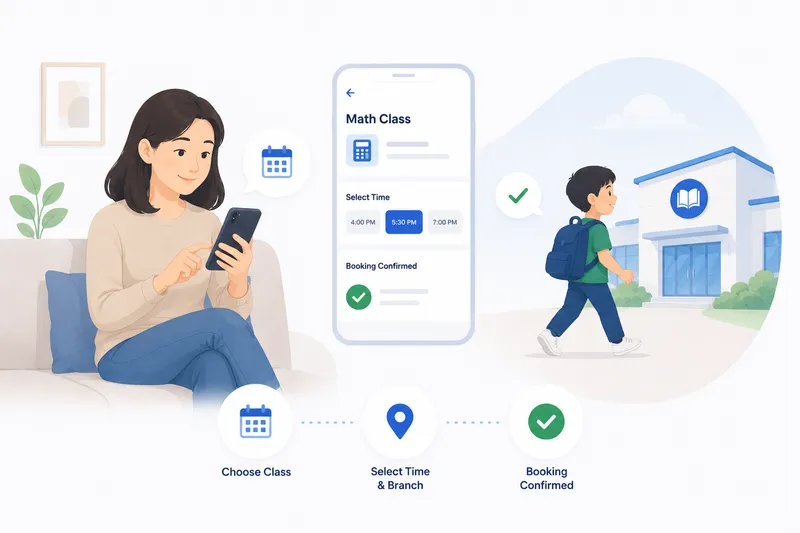
Tuition Centre Booking System Singapore: How BooknGo Runs Your Enrolment, Parents, and Classes
How BooknGo runs your Singapore tuition or enrichment centre — term enrolment, PayNow, automated WhatsApp reminders, attendance tracking, multi-branch management, and EDG grant support.
Fewer no-shows. Fuller classes.
See how tuition and enrichment centres run trial sign-ups, term schedules, and fee collection on BooknGo.