
Moving Your Bookings Online: A Step-by-Step Guide for Service Businesses
A practical, vendor-neutral walkthrough for moving a service business from phone, DM and manual bookings to online self-service — step by step, low-risk.
TL;DR
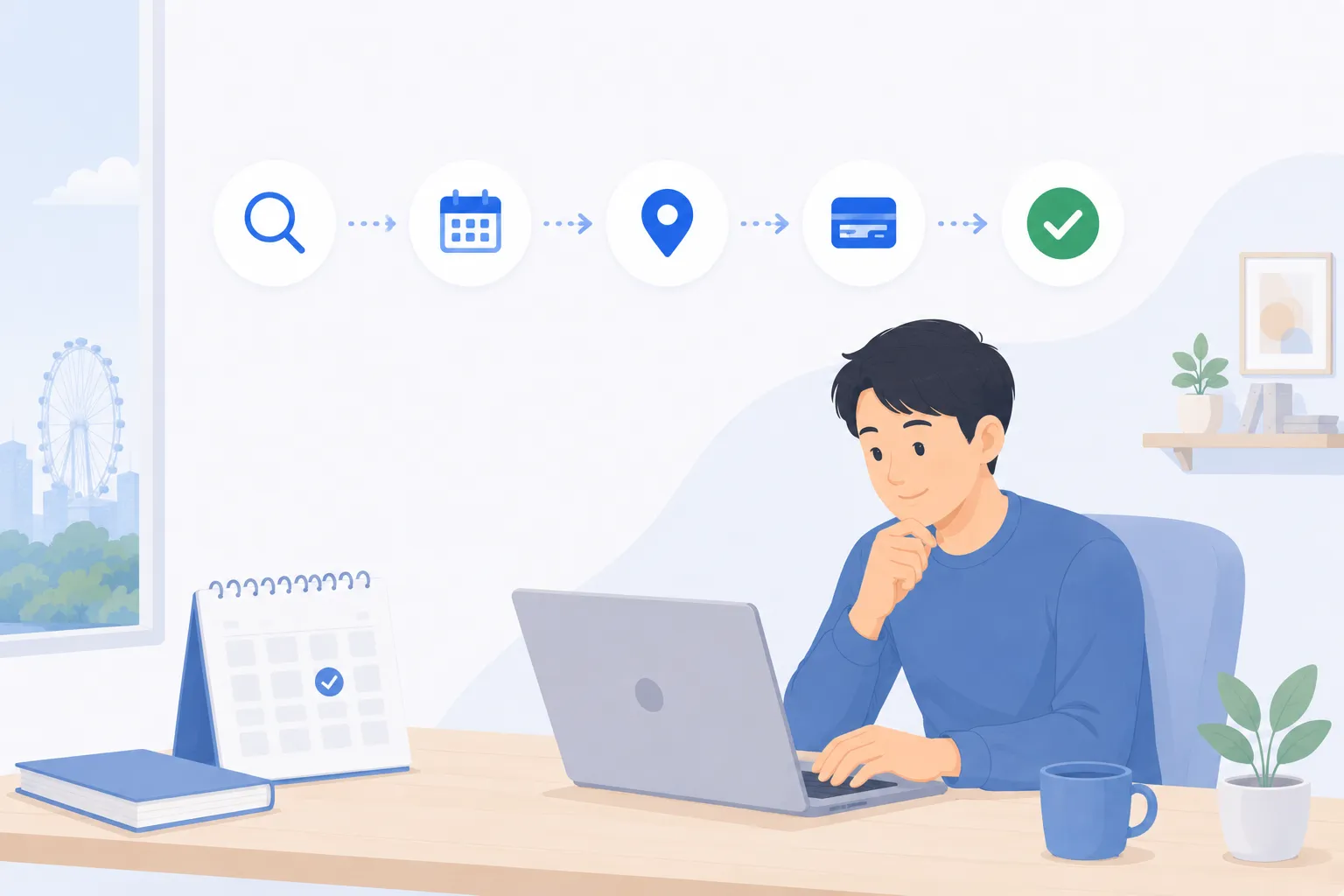
Moving from phone, DM and paper bookings to online self-service is less about technology and more about setting up your services, hours and rules once so customers can book themselves without clashes. Work through it in clear steps: map your services and durations, set staff availability and capacity, publish a booking page on your site and socials, take payment at booking, automate reminders, then keep clean records and report on them. Day to day, you stop being the manual scheduler and spend more time on the actual service. The two common worries — losing the personal touch and leaving older customers behind — are both solved by keeping your existing channels open and rolling out gradually rather than all at once.
Why move bookings online at all
If you run a clinic, studio, salon, tuition centre or any appointment-led business, your booking process probably grew by accident. It started with a phone, picked up a WhatsApp number, gained a direct-message inbox on social media, and somewhere along the way a paper diary or a spreadsheet became the source of truth. Each channel made sense at the time. Together they create a quiet tax on your day: messages to answer, slots to check by eye, confirmations to chase, and the occasional double-booking you have to apologise for.
Online self-service booking does not replace your judgement — it removes the repetitive middle step. Customers see your real availability and book a slot themselves, your calendar updates instantly, and you get your attention back for the work that actually pays. The rest of this guide is the practical path to get there, with the worries addressed honestly along the way. If you want the broader case for change first, our piece on reducing no-shows and last-minute cancellations is a useful companion read.
Step 1: Map your services and durations
Everything downstream depends on this step, so it is worth doing carefully. List every service a customer can book, and for each one decide how long it really takes — including the parts customers do not see, like cleaning a room, writing up notes, or resetting equipment.
A common mistake is to set durations by the customer-facing length only. A treatment billed as thirty minutes might genuinely need forty-five once turnaround is included. If you skip that, your day will feel permanently behind. Build buffer time into the service duration or as a gap between slots so the schedule reflects reality.
A simple way to capture this:
| Service | Customer-facing time | Buffer / turnaround | Total slot length |
|---|---|---|---|
| Standard consultation | 30 min | 10 min | 40 min |
| Extended / first visit | 45 min | 15 min | 60 min |
| Group class | 60 min | 15 min | 75 min |
| Quick follow-up | 15 min | 5 min | 20 min |
You do not need many service types to start. A short, honest list beats a long, optimistic one. You can always add variants later once the basics are running smoothly.
Step 2: Set staff availability and capacity
Next, tell the system when each person actually works and how many people each slot can hold. This is where a booking page stops being a generic calendar and starts matching your business.
Think through:
- Working hours per person, including different patterns on different days.
- Capacity per slot — one-to-one for a consultation room, or many for a class or studio session. Good online booking handles both individual appointments and group sessions with limits, and can run a waitlist when a popular slot fills.
- Resources and rooms, if a booking needs more than a person — a treatment room, a lane, a piece of equipment. A slot should only be offered when both the staff member and the resource are free.
- Breaks, blackout dates and holidays, so the page never offers a time you cannot honour.
The goal is simple: the page should only ever show slots you can genuinely deliver. Get this right and the dreaded double-booking essentially disappears, because availability is calculated rather than guessed.
Step 3: Publish a booking page on your site and socials
With services and availability defined, you can put a real booking page in front of customers. The principle that matters most here is reach: the easiest place to book should be everywhere your customers already look for you.
Practical placements:
- A prominent Book button on your website, ideally on every page rather than buried in a contact form.
- The link in your social profiles — Instagram, Facebook, TikTok bios — so a follower can go from interested to booked in a couple of taps.
- Your Google Business Profile, your email signature, and any messaging auto-replies, so the answer to “how do I book?” is always a single link.
Keep the booking flow itself short. Ask only for what you need to deliver the service well, collecting any extra detail through intake questions on the relevant service rather than a long form for everyone. Every additional field is a small reason to abandon, so a typical salon or clinic should aim to get a customer from “I want this” to “booked” in well under a minute.
Step 4: Take payment at booking
Taking payment — or at least a deposit — at the moment of booking is the step most businesses are nervous about and most glad they took. It changes a casual hold into a genuine commitment, which is the single most direct lever on no-shows and last-minute cancellations.
You do not have to go all-in immediately. A sensible progression:
- Start with deposits on your highest-demand or longest services, where a missed slot costs you the most.
- Add full prepayment for services where it suits — classes, packages, or anything you would otherwise lose entirely to a no-show.
- Offer packages or memberships for regulars, so loyal customers pay once and book repeatedly without friction.
Support the payment methods your customers actually use — typically cards and digital wallets — so paying is as frictionless as booking. Pair this with a clear, fair cancellation window stated up front. The combination of a small financial commitment and transparent rules is what protects your calendar without feeling heavy-handed.
Step 5: Automate reminders
Once bookings and payment are flowing, automate the messages around them. A confirmation when the booking is made, a reminder a day or two before, and a follow-up afterwards cover almost every need. These are the workhorse of any modern booking setup and the most reliable way to reduce missed appointments.
The art is in restraint. Automated reminders should feel like a helpful nudge, not a barrage:
- Confirmation — immediately, with the time, location and any prep instructions.
- Reminder — one, well-timed, by the channel your customers prefer (WhatsApp, SMS or email).
- Follow-up — a thank-you, a rebooking prompt, or aftercare notes where relevant.
Set them once and they run on every booking forever. That is the quiet magic of automation: a job that used to eat your evenings now happens without anyone touching it.
Step 6: Keep good records and report
Every online booking quietly builds something your old methods could not: clean, structured history. Who booked, what they had, when they last visited, what they prefer. Good customer records turn that into a real asset — you can greet returning customers properly, spot who has not been in for a while, and tailor offers without digging through chat logs.
Treat the data responsibly. Collect only what you need, be clear about why you are collecting it, keep it secure, and do not hold it longer than you should. These are the everyday principles of sound data handling and customer trust, and they are good practice regardless of where you operate.
Reporting closes the loop. Even a light look at your numbers answers questions you used to guess at: which services are most popular, which times fill first, how often slots go unused, and which staff or classes are in demand. That is the difference between running on instinct and running on evidence — and it is only possible once bookings live in one structured place.
What changes day to day
It helps to picture the before and after honestly.
| Before | After | |
|---|---|---|
| Finding a slot | You check the diary and message back | Customer sees live availability and books |
| Confirmations | Typed by hand, one at a time | Sent automatically on every booking |
| No-shows | Common, costly, hard to chase | Cut by deposits and reminders |
| Records | Scattered across chats and notebooks | One clean, searchable history |
| Your attention | Spent on scheduling admin | Spent on the actual service |
The point is not that staff disappear from the process. It is that the dull, repetitive parts are handled for you, so the time you spend with a customer is spent on the customer.
Addressing the two big worries
“Won’t this lose the personal touch?” This is the most common fear, and it is backwards. The personal touch was never the act of typing back a time — it was the conversation, the care, the welcome. Automating the logistics gives you more room for those. You can still add a warm confirmation message, remember a returning customer by name from their record, and follow up thoughtfully. A typical studio that moves online usually finds it has more time for people, not less.
“What about my older or less tech-comfortable customers?” Keep your phone open. When someone calls, you book them in yourself, and because manual and online bookings write to the same calendar, nothing clashes. You are adding a channel, not taking one away. In practice, many hesitant customers try the link once and never call again, simply because booking at midnight without waiting for a reply turns out to be genuinely convenient.
A low-risk rollout
You do not have to switch everything at once, and you should not. A calm, staged rollout removes nearly all the risk:
- Set up one or two services first, not your whole menu. Prove the flow with something simple.
- Run online booking alongside your existing channels for a few weeks. Nothing is removed; a new door is opened.
- Watch and adjust — durations, buffers, deposit amounts, reminder timing. The first version is a draft, and small tweaks make a big difference.
- Expand once it is working, adding more services, payment on more bookings, and packages for regulars.
- Lean on it fully only when you and your customers are comfortable.
Done this way, the worst case is simply that some bookings still come by phone for a while — which is exactly how things work today. There is no cliff edge, no risky cut-over, just a steadily growing share of bookings that look after themselves.
Putting it together
Moving your bookings online is a sequence, not a leap. Map your services and durations so slots reflect reality. Set staff hours and capacity so the page only offers what you can deliver. Publish that page everywhere your customers already are. Take a deposit or payment to turn holds into commitments. Automate the confirmations and reminders that used to eat your time. And keep clean records so you can serve people better and actually see how the business is doing.
A platform like BooknGo brings these steps into one place — booking pages, capacity and waitlists, payments, automated reminders and customer records — so you are configuring one system rather than stitching several together. But the steps matter more than the tool, and any business that follows them in order ends up calmer, fuller and easier to run.
See exactly how each of these steps looks in practice, set up for your services. Request a demo →
Frequently asked questions
What does it actually mean to move bookings online?
It means giving customers a page where they can see your real availability and book themselves, instead of messaging or calling and waiting for a reply. Behind the scenes, your services, durations, staff hours and capacity are set up once so the page only ever offers slots you can actually honour. You keep the relationship; you just stop being the manual middle layer for every appointment.
Will online booking make my business feel less personal?
It usually does the opposite. Removing the back-and-forth of finding a slot frees you to spend your attention on the actual appointment rather than on scheduling admin. You can still add a personal welcome message, intake questions and follow-ups. Online booking handles the logistics so the human moments get more of your time, not less.
What about older or less tech-comfortable customers?
Keep your phone line open and book those customers in yourself — the online page and manual booking write to the same calendar, so nothing clashes. Over time, many hesitant customers try the link once they see how quick it is. You are adding a channel, not removing one, so no one is forced to change how they book.
Should I take payment at the time of booking?
Taking payment or a deposit at booking is one of the most effective ways to reduce no-shows, because a confirmed slot now carries a small commitment. You can start with deposits on high-demand services and full payment on others, then adjust once you see how customers respond. A clear, fair cancellation window keeps it reasonable for everyone.
How do automated reminders help, and won't they annoy people?
A short reminder a day or two before an appointment is the single most reliable way to cut missed slots, and most customers appreciate the nudge. The key is restraint: a confirmation, one well-timed reminder, and a follow-up if relevant — not a stream of messages. Sent by WhatsApp, SMS or email, they read as helpful rather than spammy when kept brief.
How long does it take to move bookings online?
A focused setup — your core services, durations, staff hours and a live booking page — can often be ready in a day or two. A low-risk rollout then runs the online page alongside your existing channels for a few weeks before you lean on it fully. There is no need to switch everything overnight; you can publish for one service first and expand.
Related articles
Client Data Protection: A Booking Checklist for Service Businesses
A practical, jurisdiction-neutral data-protection checklist for any service business that takes bookings and holds client contact and payment details.
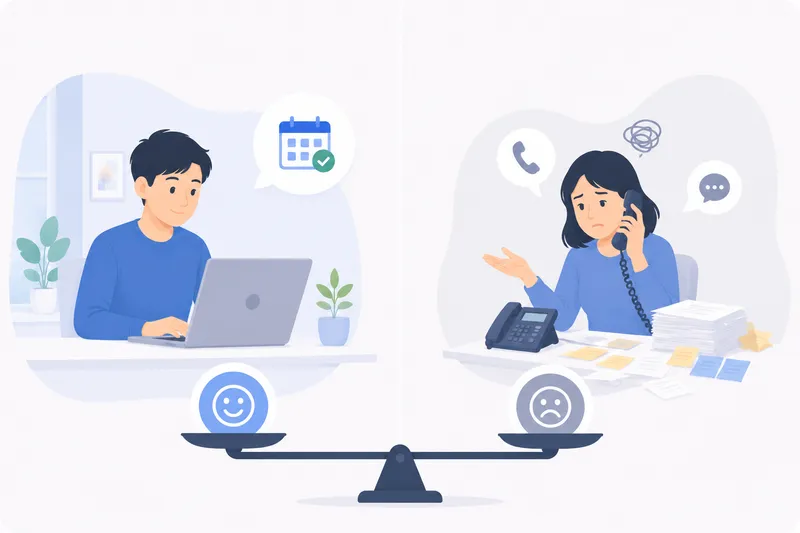
Online Booking vs Phone & DM Bookings: The Real Cost
An honest look at taking bookings by phone, DM and walk-in versus a self-service online page — the hidden costs, where each wins, and how they fit together.
The State of Online Booking in 2026
How consumers and service businesses book in 2026: self-service, mobile-first, messaging reminders, pay-at-booking, and owning your own page.
Ready to fill every slot?
See how BooknGo keeps your calendar full and your admin on autopilot.