
Client Data Protection: A Booking Checklist for Service Businesses
A practical, jurisdiction-neutral data-protection checklist for any service business that takes bookings and holds client contact and payment details.
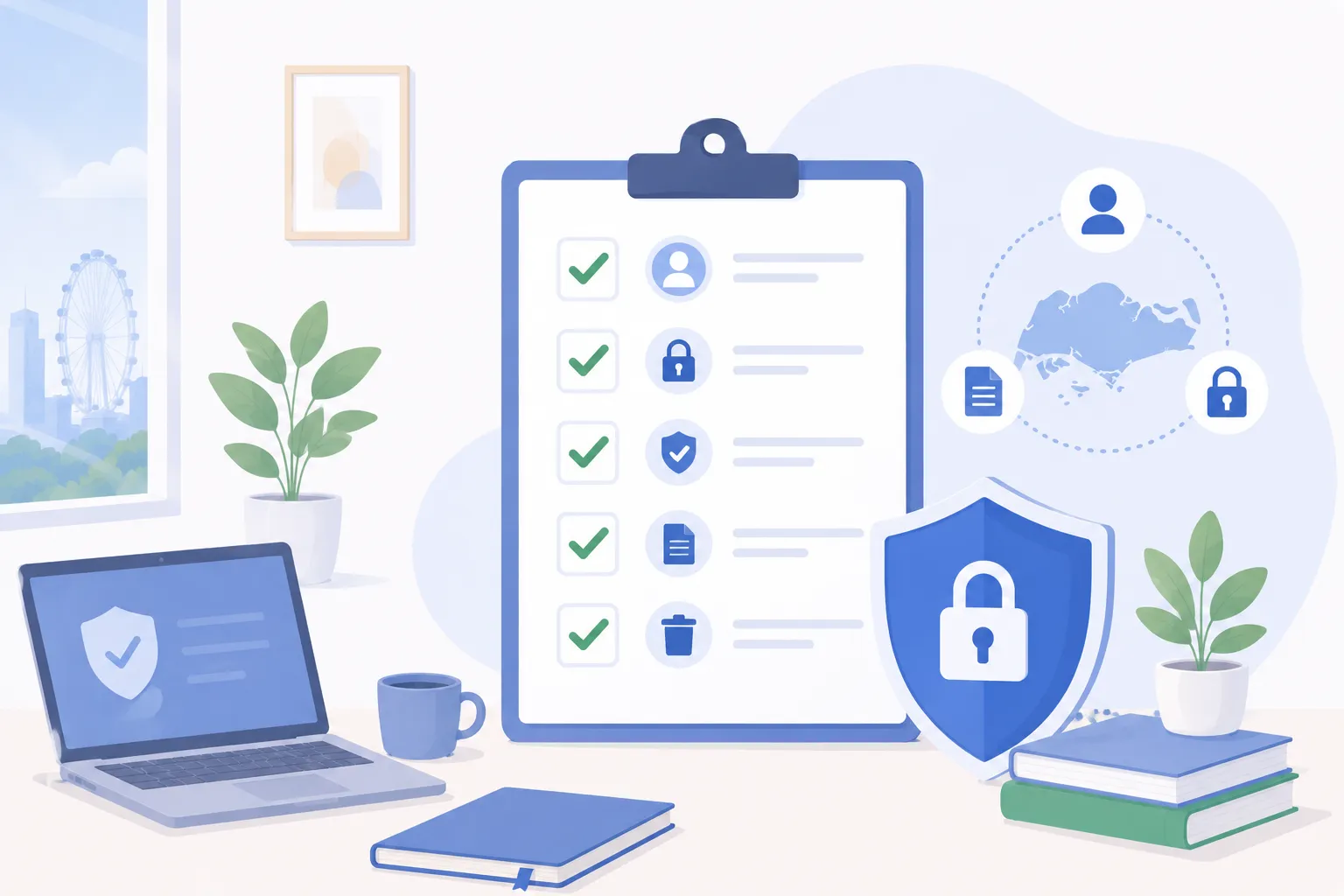
TL;DR
If your business takes bookings, you hold personal data — names, phone numbers, emails, sometimes health or payment details — and that makes data protection your responsibility, not an optional extra. The specifics vary by country (GDPR in the EU, the PDPA in Singapore, and others elsewhere), but the underlying principles are remarkably consistent: collect only what you need, be honest about why, secure it sensibly, keep it no longer than necessary, and honour client requests. This article is a plain-English checklist you can work through whatever your jurisdiction. It is general guidance, not legal advice — for your specific obligations, check your local regulator or a qualified adviser.
Why this matters for booking businesses specifically
A booking is a small act of trust. A client hands over their contact details, and often more, on the understanding that you will use them to deliver a service and not much else. Most service businesses never set out to mishandle that trust. The risk creeps in quietly: a client list copied into a personal phone, payment details jotted on a shared spreadsheet, a former staff member who still has access to everything, an old export sitting in an inbox long after the client stopped coming.
None of these feels dramatic in the moment. Together they are exactly how a small business ends up with client data spread across places nobody can fully account for. The fix is not a binder of legalese. It is a short set of habits, applied consistently, and a booking system that supports them rather than fights them.
Specific laws differ. The European Union’s GDPR, Singapore’s PDPA (overseen by the PDPC), and comparable regimes elsewhere each have their own definitions, timelines, and enforcement. But they converge on a familiar set of principles, and those principles are what this checklist is built on. We are deliberately staying principles-based here and not citing clause numbers or penalties, because the right detail depends entirely on where you and your clients are.
The data-protection checklist
Use the table as a quick self-audit, then read the sections below for what each item means in practice.
| # | Checklist item | What good looks like | Common gap |
|---|---|---|---|
| 1 | Lawful basis / consent at booking | A clear reason to hold each piece of data; separate opt-in for marketing | Bundling marketing consent into the booking itself |
| 2 | Data minimisation | You collect only fields the service genuinely needs | Asking for date of birth or ID “just in case” |
| 3 | Transparency of purpose | Clients know why you collect data and how it is used | A privacy notice nobody can find or understand |
| 4 | Reasonable security | Access controls; payment and contact data suitably separated | One shared login; everyone sees everything |
| 5 | Retention limits & safe deletion | A written rule for how long each data type is kept | Keeping every record forever by default |
| 6 | Access / correction / deletion requests | A known, repeatable process to respond | Ad-hoc scramble each time someone asks |
| 7 | Breach response | A plan for what to do, and who to tell, if data leaks | No plan; decisions made in a panic |
| 8 | Vendor / processor due diligence | You vet the software that holds client data on your behalf | Assuming the tool is “compliant” and moving on |
1. Lawful basis and consent at the point of booking
Most regimes require a legitimate reason to collect and use personal data. For the booking itself, that reason is usually self-evident: you cannot deliver a service or confirm an appointment without a name and a way to reach the client. That is a sound basis on its own.
Where care is needed is anything beyond delivering the service. Marketing emails, adding clients to a newsletter, sharing details with a partner — these the client would not necessarily expect, so ask separately and let them choose. The practical rule: never bundle a marketing opt-in into the act of booking. A client booking an appointment has not thereby agreed to receive promotions.
Capture consent at the moment it is relevant, in language a normal person understands. A booking flow that records what the client agreed to, and when, is far more defensible than a vague claim that “they ticked something once.” Keeping clean, centralised customer records makes this consent trail something you can actually find later.
2. Collect only what you need (data minimisation)
The safest data is the data you never collected. Before adding a field to your booking form, ask whether the service genuinely requires it. A haircut booking does not need a date of birth. A consultation might legitimately need a contact number and a short note on what the client wants; it probably does not need an identity-document number unless something specific requires it.
Every extra field is something you then have to secure, retain, and eventually delete. Trimming your intake form is one of the rare changes that improves both privacy and conversion at the same time, because shorter forms get completed more often. When you set up an online booking flow, treat each field as a deliberate choice rather than a default.
3. Be transparent about purpose
Transparency is mostly about removing surprises. Clients should be able to find out, without effort, what you collect, why, how long you keep it, and who you share it with. That is the job of a privacy notice — but a notice only counts if it is findable and readable, not a wall of boilerplate hidden three clicks deep.
Plain language beats legal completeness for the parts clients actually read. “We use your phone number to send appointment reminders and confirmations” tells someone exactly what is happening. If you later want to use data for a new purpose, go back and ask rather than quietly repurposing it.
4. Reasonable security and sensible access control
No regime expects a small service business to run a bank’s security operation. They expect reasonable measures, proportionate to the sensitivity of the data and the size of the business. The single most effective measure for most businesses is access control: not everyone needs to see everything.
A useful principle is separating who can see contact data from who can see payment data. A receptionist may need to view and edit appointments and contact details but has no reason to see full card information. A practitioner needs the client notes relevant to their own sessions, not the entire client base. Role-based access enforces this automatically, so an honest mistake or a departing staff member cannot quietly walk off with the whole list.
The basics still matter alongside that: individual logins rather than one shared password, prompt removal of access when someone leaves, encryption of data in transit and at rest, and keeping client details inside the system rather than scattered across personal devices and chat apps. A clinic that switches from WhatsApp-based booking to a managed system gets much of this almost for free — a transition explored in our piece on how clinic management software improves customer experience, where consolidating records is as much a privacy win as a convenience one.
5. Retention limits and safe deletion
Holding data forever is a liability, not an asset. The principle here is simple: keep personal data only as long as you have a genuine reason to. Reasons include an active client relationship, a warranty or guarantee period, and legal or tax obligations that set a minimum retention period for certain records.
Once those reasons lapse, the data should go — deleted or anonymised on a schedule, not left to accumulate. The practical move is to write a short retention rule for each type of data you hold: how long, and what triggers deletion. “Inactive client contact details removed after a set period of no activity” is the kind of rule you can actually apply. Safe deletion also means deletion everywhere, including backups and exports, not just the record you happened to be looking at.
6. Honouring access, correction, and deletion requests
Clients in most jurisdictions can ask to see the data you hold on them, correct it if it is wrong, and in many cases have it deleted. Treat these requests as routine. The businesses that struggle are the ones improvising each time; the ones that cope have a known process.
That process is short: verify the person is who they say they are, locate their records everywhere they live, and respond within a consistent, reasonable timeframe. Deletion is sometimes limited — you may be legally required to keep certain transaction or health records for a set period — so be ready to explain what you can remove and what you must retain, and why. The fewer places client data lives, the easier every one of these requests becomes, which is another argument for keeping records centralised rather than scattered.
7. Breach response
A data breach is any unauthorised access to, loss of, or disclosure of personal data — a lost laptop, a misdirected export, a compromised account. You will handle it far better if you have thought about it in advance rather than improvising under pressure.
A workable plan answers a few questions ahead of time: who is in charge if something happens, how you contain it, how you assess what was affected, and who you may need to notify. Many regimes require notifying the regulator and sometimes affected individuals when a breach is likely to cause real harm, often within a defined window — the exact triggers and timelines differ by jurisdiction, so check yours. Keeping a brief record of what happened and how you responded is good practice everywhere and demonstrates accountability.
8. Due diligence on your software vendor or processor
When you use booking software, a payment gateway, or a messaging provider, you are entrusting client data to a processor acting on your behalf. You remain accountable to your clients for that data, so the choice of vendor is part of your compliance, not separate from it.
Sensible due diligence does not require a security audit. Ask the questions a careful business would: Where is the data stored and is it encrypted? Who at the vendor can access it? How is data deleted when you stop using the service or when a client asks? Is the vendor transparent about how it handles data, and does it support the controls you need, such as role-based access and consent capture? A vendor that answers these clearly is doing part of your job for you. One that waves it away with “we’re compliant” and no detail should give you pause.
A short worked example
Consider a typical multi-practitioner studio. Today, bookings come in by phone and chat, the client list lives in a spreadsheet on one manager’s laptop, and everyone uses the same login. Nothing has gone wrong — but almost every item on the checklist is exposed.
The same studio on a managed booking system looks different. Clients book online and consent is captured at the point of booking, with marketing kept as a separate opt-in. The intake form asks only for what each service needs. Reception sees appointments and contact details; payment information is handled in the gateway, not jotted in a shared sheet. Each staff member has their own login and only the access their role requires. When a client asks to be removed, there is one place to look. None of this requires a compliance department — just a sensible setup and the habit of sticking to it.
Make the checklist a habit, not a one-off
Data protection is not a project you finish; it is a standard you keep. Work through the eight items once to find your gaps, fix the obvious ones, and then revisit when you add a new form field, a new staff role, or a new tool. The goal is not perfection or legal certainty — for that, talk to a qualified adviser about your specific jurisdiction. The goal is to be the kind of business that handles client data the way clients assume you already do.
A booking platform built with these principles in mind does a lot of the heavy lifting: consent at booking, lean intake forms, role-based access that separates contact from payment data, centralised records that make requests and deletion straightforward, and a vendor that is transparent about how data is handled. If you would like to see how that works in practice, the best way is to walk through it with your own use case in mind.
Protecting client data should be the default, not an afterthought — see how a booking system designed around these principles handles it. Request a demo →
Frequently asked questions
What is the difference between a data controller and a data processor?
If you decide what client data is collected and why, you are the controller — the business clients trust with their details. A processor handles that data on your behalf under your instructions, such as your booking software, payment gateway, or messaging provider. You stay accountable to your clients for the data even when a processor holds it, which is why vendor due diligence matters.
What is a lawful basis or consent at the point of booking?
Most data-protection regimes require a legitimate reason to collect and use personal data. For a booking, that reason is usually obvious — you need a name and contact detail to deliver the service the client requested. Where you want to use data for something the client would not expect, such as marketing, ask separately and let them opt in or out. Make the purpose clear at the moment of collection rather than burying it later.
How long should a service business keep client booking records?
Keep personal data only as long as you have a genuine reason to — an active relationship, a warranty period, or a legal or tax obligation that sets a minimum retention. Once those reasons lapse, the data should be deleted or anonymised on a schedule rather than kept indefinitely. Writing down a simple retention rule per data type is far better than holding everything forever by default.
What should I do if a client asks to see or delete their data?
Treat access, correction, and deletion requests as routine, not exceptional. Confirm the person's identity, locate their records across your booking system and any spreadsheets or inboxes, and respond within a reasonable, consistent timeframe. Deletion may be limited where you must retain certain records by law, so explain what you can remove and what you must keep, and why.
Do small businesses really need to worry about data protection laws?
Yes. Data-protection obligations generally apply by virtue of holding personal data, not by company size, and the specific law depends on where you and your clients are — GDPR in the EU, the PDPA in Singapore, and equivalents elsewhere. The good news is that the core principles are similar everywhere, so a sound checklist protects clients and reduces your exposure regardless of jurisdiction.
Does using booking software make me more or less compliant?
Good software helps, because it centralises records, applies access controls, captures consent at booking, and avoids the leakage of scattering client details across personal phones and chat threads. But the tool does not transfer your accountability — you still choose what to collect, how long to keep it, and who can see it. Pick a vendor that is transparent about security and data handling, then configure it sensibly.
Related articles
Moving Your Bookings Online: A Step-by-Step Guide for Service Businesses
A practical, vendor-neutral walkthrough for moving a service business from phone, DM and manual bookings to online self-service — step by step, low-risk.
Online Booking vs Phone & DM Bookings: The Real Cost
An honest look at taking bookings by phone, DM and walk-in versus a self-service online page — the hidden costs, where each wins, and how they fit together.
The State of Online Booking in 2026
How consumers and service businesses book in 2026: self-service, mobile-first, messaging reminders, pay-at-booking, and owning your own page.
Ready to fill every slot?
See how BooknGo keeps your calendar full and your admin on autopilot.