
14 Ways to Reduce Customer No-Shows and Last-Minute Cancellations
Reduce no-shows and cancellations with automated scheduling software. Discover 14 proven ways to improve attendance and protect your revenue.
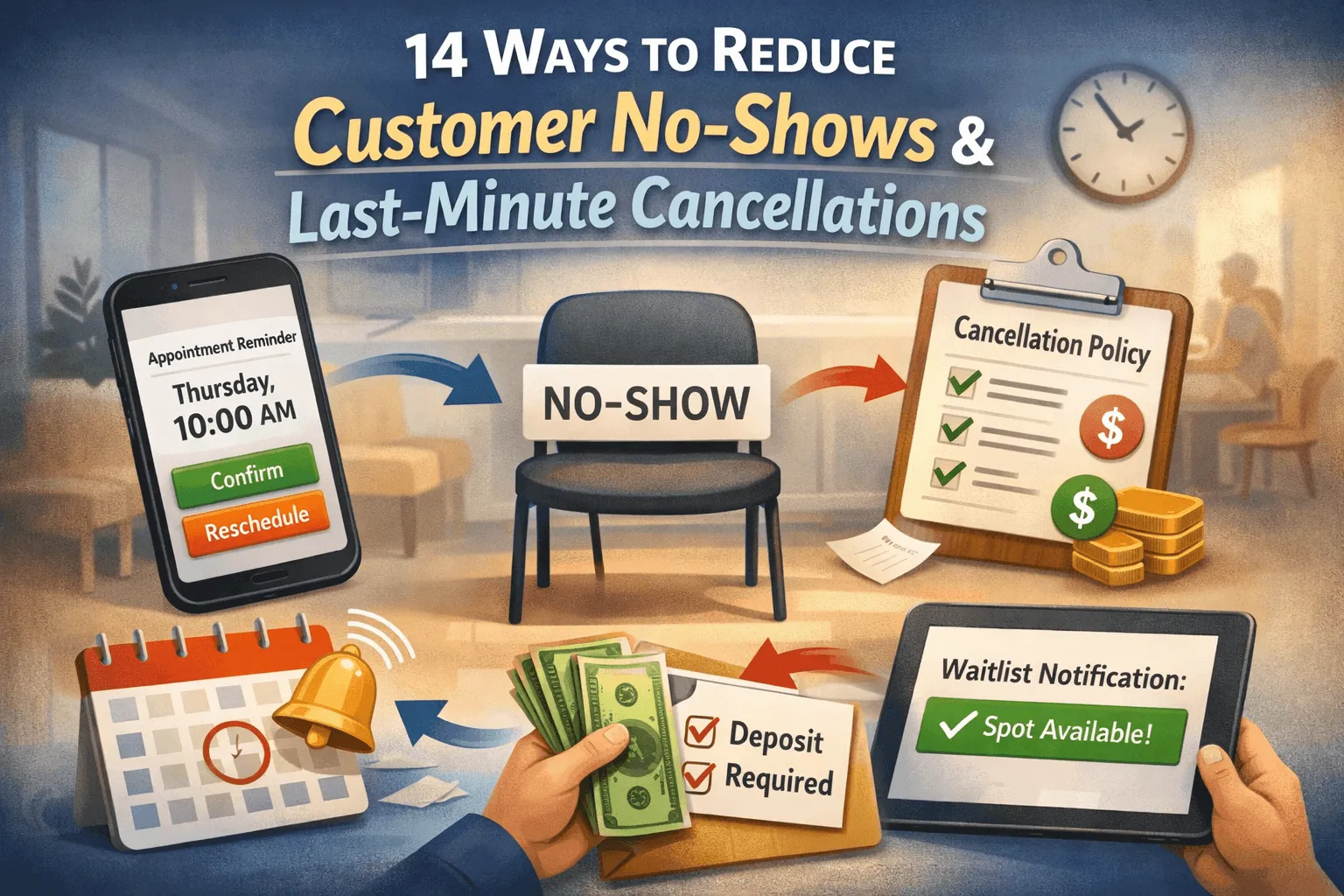
No-shows and last-minute cancellations are more than minor inconveniences. They disrupt operations, reduce revenue, strain staff, and limit access for other customers who could have taken those time slots. For clinics and service-based businesses, the impact compounds quickly. A single missed appointment can ripple across the day, creating idle gaps or forcing rushed sessions later on.
A booking app can streamline the appointment process for both clients and service providers, making it easier to book, reschedule, or cancel appointments at any time. These apps often feature user-friendly interfaces, ensuring both clients and businesses can easily navigate the booking process.
The good news is this: no-shows are not random. They are often the result of friction, forgetfulness, or weak communication systems. With the right systems in place, especially like an automated scheduling software, businesses can significantly reduce missed appointments while improving customer experience.
The setup process for most automated scheduling software is straightforward and user-friendly, with clear instructions and customization options. Automated reminders can be sent via email or SMS to help ensure clients show up for their appointments. Calendar syncing with platforms like Google, Outlook, iCloud, and Exchange helps prevent double-booking and scheduling conflicts.
Additionally, automated scheduling software allows businesses to accept bookings through multiple channels, such as Facebook, Instagram, Google, and custom websites, enhancing convenience for customers.
Here are practical ways to reduce no-shows and last-minute cancellations in a sustainable way.
Appointment Scheduling: The Backbone of Service-Based Businesses
Appointment scheduling is the backbone of any service-based business, providing a seamless way for clients to book, reschedule, or cancel appointments online. With the right appointment scheduling software, businesses can offer a custom booking page that reflects their brand and makes the booking process intuitive for clients.
This not only reduces the risk of double bookings and missed appointments but also ensures that new bookings are instantly reflected in the business’s calendar, keeping everyone on the same page.
A well-designed custom booking page empowers clients to manage their appointments independently, while scheduling software automates confirmations and updates. This streamlined approach minimizes manual errors, prevents scheduling conflicts, and helps businesses deliver a professional, reliable experience from the very first interaction.
Why Reducing No-Shows Matters for Your Business
Every missed appointment represents lost revenue and wasted resources. For service-based businesses, reducing no-shows is critical to maintaining a healthy bottom line and ensuring staff time is used efficiently.
Appointment scheduling software plays a vital role in this process by sending automated reminders and making it easy for clients to reschedule or cancel in advance. By leveraging scheduling software to minimize missed appointments, businesses can boost client satisfaction, improve operational efficiency, and drive sustainable business growth. Automated reminders and flexible scheduling options help keep your calendar full and your clients engaged.
1. Send automated reminders at strategic intervals
People are busy. Even customers with good intentions forget appointments.
Using customer appointment scheduling software allows businesses to send automated reminders at multiple intervals via both email and SMS. For example, one reminder can be sent 48 hours before the appointment, followed by another 24 hours prior.
These reminders should include:
-
The date and time
-
The service booked
-
The location
-
A clear option to confirm or reschedule
The best scheduling software offers automated email reminders and SMS reminders to help reduce no-shows. Many scheduling apps include these features as standard to improve attendance rates.
The goal is not to nag. The goal is to reduce cognitive load. When reminders are timely and clear, customers are more likely to show up.
With BooknGo’s clinic management software, reminders can be customized to match your brand voice while remaining efficient and professional.
2. Make rescheduling easier than cancelling
Sometimes customers cancel simply because rescheduling feels inconvenient. If the only option is calling during business hours, they may default to cancelling entirely.
Client appointment scheduling software allows customers to modify their bookings online without speaking to staff. When rescheduling is frictionless, customers are more likely to move their appointment instead of abandoning it.
A small design principle applies here: reduce effort, increase compliance. When the path of least resistance is rescheduling rather than cancelling, attendance improves naturally.
3. Require confirmations before locking the slot
Unconfirmed appointments are high-risk appointments. Automated scheduling software can send confirmation requests that require customers to actively confirm their attendance. If they fail to confirm within a certain window, the slot can be flagged for follow-up or released.
This approach serves two purposes:
-
It filters out uncertain bookings.
-
It allows the business to refill potential gaps early.
Confirmation systems create accountability without confrontation.
4. Implement fair cancellation policies
Clear cancellation policies reduce ambiguity. Customers are less likely to cancel at the last minute when expectations are transparent. When writing policies, you should outline:
-
The minimum notice required for cancellations
-
Any applicable fees
-
How to reschedule properly
The key is fairness. Overly strict penalties can damage relationships, but reasonable guidelines encourage responsibility. When integrated into clinic management software, these policies can be automatically displayed during booking, ensuring customers acknowledge them upfront. Clarity reduces conflict.
5. Collect deposits for high-value appointments
For longer or higher-cost services, deposits can significantly reduce no-shows. A financial commitment increases follow-through. It signals that the appointment holds real value.
Customer appointment scheduling software can securely collect partial payments during booking. This protects revenue while remaining transparent. Deposits should be communicated as reservation guarantees rather than penalties. Language matters. Customers respond better to clarity than to threats.
6. Shorten the booking window when appropriate
Appointments booked too far in advance are more vulnerable to cancellation. Life changes. Schedules shift.
If your business frequently experiences long-term cancellations, consider adjusting your booking window. Allow reservations within a reasonable timeframe where customers are more certain about their availability.
Client appointment scheduling software allows businesses to control how far ahead customers can book. This small adjustment can improve attendance rates without sacrificing convenience.
7. Personalize reminder messaging
Generic reminders can feel automated and easy to ignore. Personalized reminders feel intentional. Using automated scheduling software, businesses can include: The customer’s name
-
The specific service booked
-
The provider’s name
-
A friendly closing line
BooknGo’s clinic management software allows for template customization so reminders reflect your brand while maintaining consistency.
8. Maintain updated contact information
Reminder systems only work if contact details are accurate. At every visit, staff should confirm the phone number, email address, and preferred communication method.
Customer appointment scheduling software can prompt customers to review and update their contact information when booking online. Accuracy increases delivery rates. Delivery increases attendance. This step is simple, but it is often overlooked.
9. Monitor and analyze no-show patterns
Not all no-shows are equal. Some occur more frequently on specific days, time slots, or service types. Clinic management software provides reporting tools that identify patterns such as:
-
High-risk time periods
-
Repeat no-show customers
-
Services with elevated cancellation rates
Data reveals trends that intuition misses. For example, you may discover that late afternoon slots have higher cancellation rates or that certain services require stronger reminder protocols. Once patterns are visible, targeted solutions become possible.
10. Build stronger customer relationships
People are less likely to skip appointments when they feel connected to the provider. Technology supports efficiency, but human connection supports loyalty. Encourage staff to greet customers warmly, follow up after visits, address concerns clearly, and so and so forth.
Client appointment scheduling software helps by freeing staff from manual scheduling tasks, allowing more energy to be directed toward meaningful interactions. When customers feel valued, attendance improves organically.
11. Offer waitlists to fill sudden gaps
Even with strong systems, occasional cancellations are inevitable. A waitlist feature within automated scheduling software allows businesses to notify interested customers when earlier slots become available.
Instead of leaving a gap, the system automatically contacts customers who opted into the waitlist. This transforms a cancellation into an opportunity. BooknGo’s clinic management software can automate this process, reducing idle time while increasing service capacity.
12. Educate customers on the impact of no-shows
Many customers do not realize how missed appointments affect businesses and other clients. A brief, respectful message during booking or in reminder emails can explain that missed appointments limit availability for others.
This approach works best when it emphasizes shared responsibility rather than guilt. Customer appointment scheduling software allows businesses to integrate educational messaging seamlessly within the booking process. Awareness encourages accountability.
13. Simplify the booking experience
Complex booking systems increase errors and confusion, which can lead to accidental no-shows. When customers feel confident about their booking details, they are less likely to miss their appointment due to misunderstanding. Simplicity reduces friction at every stage.
14. Strengthen follow-up systems after missed appointments
Even with preventive measures, some no-shows will still occur. What happens next matters. Automated scheduling software can trigger follow-up messages after a missed appointment, offering an easy path to reschedule.
The tone should remain supportive, not accusatory. The objective is retention, not reprimand. A structured follow-up process increases the likelihood that customers return rather than disengage permanently.
After all, reducing no-shows is about respect. Respect for your team’s time. Respect for other customers waiting for appointments. Respect for operational stability. Technology, when implemented thoughtfully, strengthens that respect.
With the right automated scheduling software in place, fewer appointments slip through the cracks. Operations become smoother. Customers feel supported rather than pressured. And your business builds a reputation for professionalism and reliability. That combination creates long-term stability in an environment where every time slot counts.
Start reducing customer no-shows with an automated scheduling software that keeps everything on track–request a demo today.
Frequently asked questions
How do automated reminders help reduce no-shows?
Scheduling software sends reminders at strategic intervals by email and SMS — for example 48 and 24 hours before. Each includes the date, time, service, location, and a clear confirm-or-reschedule option. Timely, clear reminders reduce cognitive load so customers are more likely to attend.
Why should rescheduling be easier than cancelling?
Customers often cancel simply because rescheduling feels inconvenient, especially if it means calling during business hours. Letting them modify bookings online without speaking to staff makes rescheduling the path of least resistance — and attendance improves naturally.
How can deposits and confirmations reduce missed appointments?
Requiring active confirmation filters out uncertain bookings and lets you refill gaps early. For longer or higher-cost services, a deposit at booking adds financial commitment that boosts follow-through. Frame deposits as reservation guarantees, not penalties.
Can scheduling software help me understand why no-shows happen?
Yes. Reporting tools reveal patterns — high-risk time periods, repeat no-show customers, and services with elevated cancellation rates. Data exposes trends intuition misses, like late-afternoon slots cancelling more, so you can apply targeted solutions such as stronger reminders.
How do waitlists and follow-ups protect revenue after a cancellation?
A waitlist automatically notifies opted-in customers when earlier slots open, turning a cancellation into a filled appointment. After a missed appointment, automated follow-ups offer an easy path to reschedule — keeping the tone supportive rather than accusatory, focused on retention.
Related articles
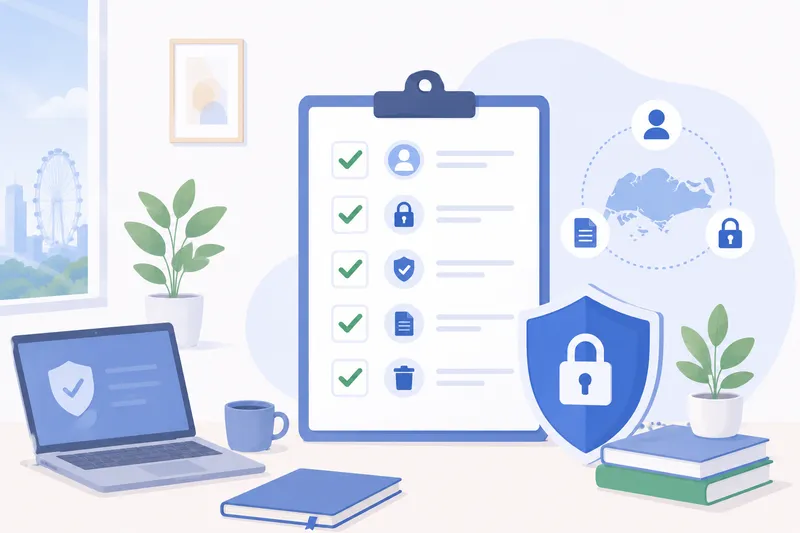
Client Data Protection: A Booking Checklist for Service Businesses
A practical, jurisdiction-neutral data-protection checklist for any service business that takes bookings and holds client contact and payment details.
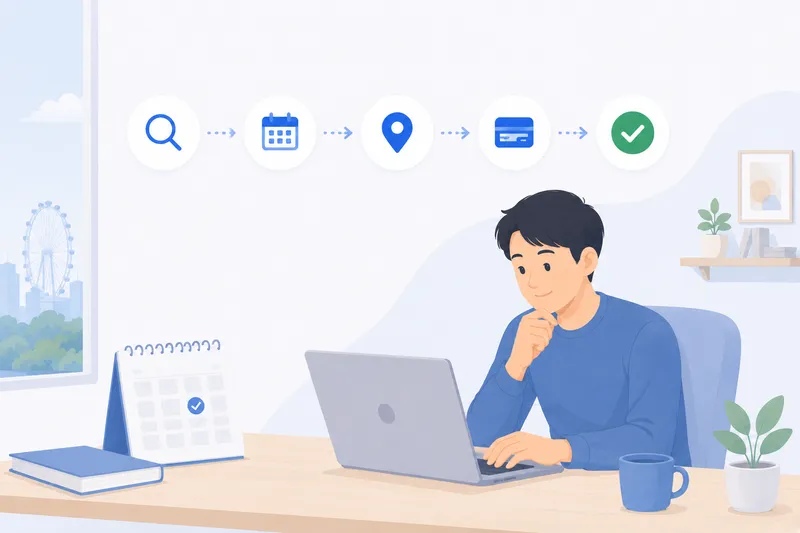
Moving Your Bookings Online: A Step-by-Step Guide for Service Businesses
A practical, vendor-neutral walkthrough for moving a service business from phone, DM and manual bookings to online self-service — step by step, low-risk.
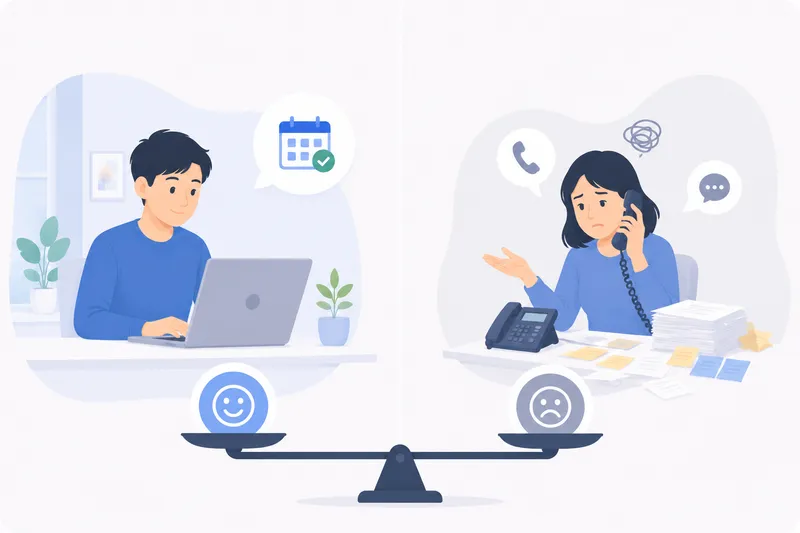
Online Booking vs Phone & DM Bookings: The Real Cost
An honest look at taking bookings by phone, DM and walk-in versus a self-service online page — the hidden costs, where each wins, and how they fit together.
Ready to fill every slot?
See how BooknGo keeps your calendar full and your admin on autopilot.