
Patient Intake Forms That Save Your Front Desk Hours
Move patient intake online and capture it at booking to cut front-desk workload, shorten queues, and reduce transcription errors — without losing privacy.
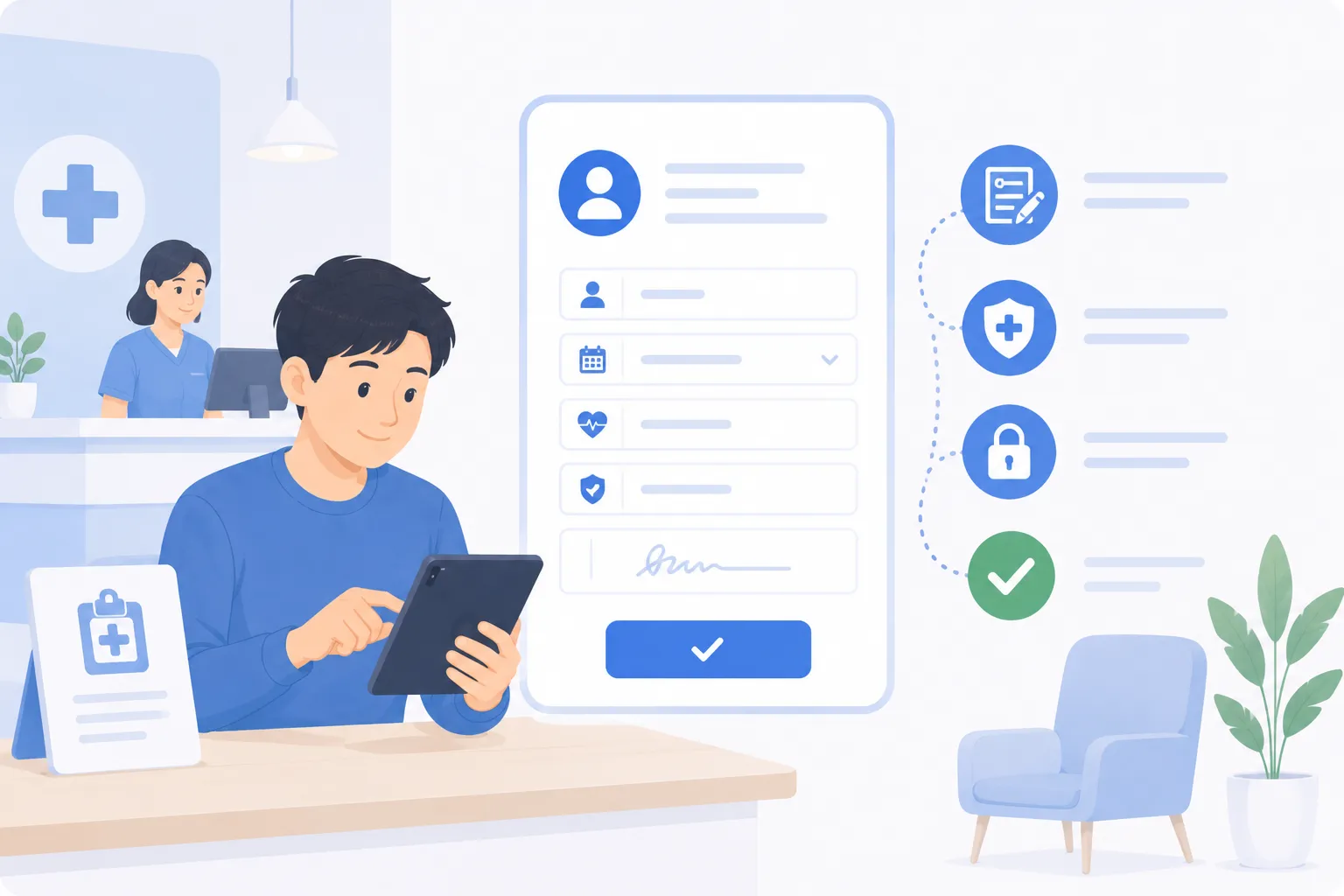
A practical guide to moving patient intake online for GP, dental, physiotherapy, TCM, and allied health clinics.
TL;DR
Patient intake is one of the few clinic tasks that is almost entirely admin, and almost entirely avoidable at the front desk. When the form lives on a clipboard, reception hands it out, waits, and re-types it — while a queue builds. Move intake online and capture it as part of the booking, and the patient completes it on their own phone before arriving. Returning patients confirm what is already on file instead of starting over, transcription errors disappear because nothing is re-keyed, and sensitive answers sit behind role-based access rather than in plain view at the counter. Done well, online intake frees reception, shortens the waiting-room queue, and keeps your patient records cleaner — while supporting consent and privacy obligations by design.
Why the clipboard is the bottleneck
Walk into a typical clinic at a busy hour and the front desk is doing three things at once: answering the phone, checking in arrivals, and handing out intake forms on clipboards. The clipboard is the quiet bottleneck. A new patient arrives, is given a form, finds a seat, fills it in, brings it back, and then a staff member reads the handwriting and types it into the system. Every one of those steps happens at the clinic, during opening hours, with other patients waiting behind.
The cost is not only time. Handwriting gets misread. A digit in a phone number or a date of birth gets transposed during re-keying. An allergy noted in a rushed scrawl gets entered slightly wrong, or not at all. And the completed form sits face-up on the counter where the next person in the queue can read it. None of this is anyone’s fault — it is what the paper process makes inevitable.
Moving intake online does not just digitise the form. It moves the work off the front desk and before the visit, which is where the real saving comes from.
What to collect — and what to leave out
The most common mistake with intake is collecting everything imaginable “just in case”. Every field you add is data you then have to protect, store securely, and eventually dispose of. A leaner form is faster for the patient, cleaner for your records, and lower risk for the clinic. The discipline is simple: collect only what you have a genuine, statable purpose for.
It helps to group fields by why you are asking, not just what you are asking. The table below is a starting point a typical clinic can adapt.
| Field group | Examples | Purpose |
|---|---|---|
| Identity | Full name, date of birth, identification reference | Match the right record to the right person; avoid duplicate files |
| Contact | Mobile number, email, preferred contact method | Send reminders and reach the patient about their appointment |
| Reason for visit | Presenting concern, symptoms, how long, referral source | Let the clinician prepare and triage before the consultation |
| Clinical history | Past conditions, surgeries, current medications, allergies | Treat the patient safely and avoid harmful interactions |
| Consent & privacy | Consent to collection and use, marketing opt-in (separate) | Establish lawful basis; keep marketing consent distinct from care |
| Administrative | Insurer or scheme details, emergency contact, next of kin | Billing, claims, and reaching someone in an emergency |
A few rules of thumb make this safer in practice. Keep marketing consent as a separate, optional opt-in — never bundled into the consent required to receive care. Make sensitive clinical fields clearly purpose-linked, so the patient understands why a physiotherapy clinic is asking about medication. And review the form periodically: if a field is never used in the consultation, it probably should not be collected at all.
On privacy specifically, the principles that matter are well established. Tell the patient what you are collecting and why; ask for consent at the point you collect it; gather only what is needed for that purpose; store it securely with access limited by role; keep it only as long as you have a reason to; let patients access and correct their own details; and have a plan if something goes wrong. Whatever data-protection regime you operate under, these map directly onto the regulator’s expectations — and a system that captures consent at submission rather than relying on a signature line on a clipboard makes them far easier to honour.
Digital versus paper — an honest trade-off
Digital intake is better for most clinics most of the time, but it is worth being clear-eyed about where each approach actually wins.
| Consideration | Paper on a clipboard | Online intake at booking |
|---|---|---|
| Where the work happens | At reception, during the visit | On the patient’s device, before the visit |
| Transcription | Re-keyed by hand (error-prone) | Flows straight into the record |
| Privacy at the counter | Visible to others in the queue | Not exposed at the front desk |
| Returning patients | Fill it all in again | Confirm and update pre-filled details |
| Consent record | A signature on a page in a drawer | Timestamped at submission |
| Accessibility | Hard if a patient cannot write easily | Larger text, own language, own pace |
| When paper still helps | A patient with no phone, or a power or connectivity outage | — |
The honest caveat: digital is not automatically safer. A patient form emailed around as a spreadsheet attachment is less safe than a locked filing cabinet. The benefit comes from the form going directly into a secure record with role-based access — not from “digital” as a label. And you will still want a simple paper fallback for the patient who genuinely cannot use a phone, so keep one to hand without making it the default.
Capture intake at the point of booking
The single highest-leverage change is to make intake part of the booking itself rather than a separate step on arrival. When a patient books a slot through your online booking system, the intake form is the natural next screen: choose a time, then answer a short set of questions, then you are done. By the time the appointment day arrives, the clinician already has a complete record.
This reframes the appointment reminder, too. Instead of a bare “you have an appointment tomorrow”, an automated reminder can nudge anyone who has not yet completed their intake to do so before they arrive — turning the reminder into a gentle prompt that keeps your waiting room moving. The patient who fills it in the night before walks in and is seen, rather than walking in and starting paperwork.
For the front desk, the effect is immediate. Check-in stops being “here is a clipboard, take a seat” and becomes “you are all set, the doctor will call you in”. Reception spends its attention on the patients who actually need help — the phone caller, the walk-in, the person with a question — instead of administering forms.
Pre-fill returning patients, don’t re-interrogate them
Nothing frustrates a loyal patient more than filling in their full history for the fifth time. If you already hold a patient’s record, the intake step for a return visit should be confirmation, not re-collection. Pull the known details forward, show them to the patient, and ask a single question: is this still correct, and is there anything new?
This is where intake and your patient records work together. A returning patient confirms their phone number, flags a new medication, notes an allergy that has since been diagnosed — and the record updates in place. You keep the history continuous instead of fragmenting it across repeated fresh forms, and the patient feels recognised rather than processed. Pre-filling is also a quiet data-quality win: confirming an existing value is far less error-prone than re-entering it from scratch every visit.
Cut transcription errors at the source
Every time a human re-types information, there is a chance to get it wrong. A transposed digit in a contact number means a missed reminder. A mistyped date of birth means a duplicate record or a failed insurance match. A misread allergy is a genuine clinical risk. Online intake removes the re-keying step entirely: what the patient enters is what lands in the record. The patient is also the best-placed person to get their own details right — they know their own spelling, their own medication names, their own history.
There is a feedback loop here worth noting. Because the patient sees their own answers go into the system, and confirms them on return visits, the record gets more accurate over time rather than slowly drifting as copies of copies accumulate. Clean data at intake pays off everywhere downstream: reminders reach the right number, claims match the first time, and clinicians trust what they are reading.
Keep sensitive answers behind role-based access
Intake forms hold some of the most sensitive data a clinic touches. Not everyone who works at the clinic needs to see all of it. A receptionist managing the day’s schedule needs names, contact details, and appointment times. The treating clinician needs the full clinical picture. A billing administrator needs scheme and claim details. Role-based access means each person sees what their role requires — and no more.
This matters for two reasons. It protects the patient: the fewer people who can see a sensitive history, the lower the chance of inappropriate access or accidental disclosure. And it protects the clinic: limiting who can view and edit records reduces the surface for mistakes and supports the “reasonable security” and access-control expectations that sit at the heart of modern privacy regimes. Done properly, role-based access is invisible to patients and staff alike — people simply see the information their job calls for, captured once at booking and routed to the right record.
How this frees your reception team
Add the pieces up and the front desk gets its time back. Intake happens before the visit, so check-in is a greeting rather than a paperwork hand-off. Returning patients confirm rather than rewrite. Nothing is re-keyed, so corrections and chasing-up shrink. Sensitive data is routed by role, so staff are not handling information they do not need. The clipboard queue — the one that quietly slowed every busy morning — is gone.
What reception does instead is the work that genuinely needs a person: reassuring an anxious patient, sorting out a tricky reschedule, answering a question a form never could. That is a better use of skilled staff than transcription, and it is what patients remember about a visit. If you run a clinic and want to see how online booking, reminders, and privacy-aligned records fit together for healthcare practices, the most useful next step is to see it on your own workflow rather than in the abstract.
Move intake online, capture it at booking, and give your front desk its mornings back. Request a demo →
Frequently asked questions
What should a patient intake form actually collect?
Enough to identify the patient, reach them, treat them safely, and bill or claim correctly — and no more. That typically means contact and identity details, presenting concern, relevant medical history, current medications, allergies, and an explicit consent statement. Collect only what you have a genuine purpose for, because every extra field is data you then have to protect, store, and eventually dispose of.
Is a digital intake form safer than paper?
A well-run digital form is usually easier to secure than paper. Paper sits on a clipboard at reception where anyone passing can read it, gets re-keyed by hand into your system, and has to be locked away and shredded later. A digital form goes straight into the patient's record with access limited to the staff who need it, no transcription step, and a clear consent timestamp. The benefit only holds if access is role-controlled and the data is stored securely — a spreadsheet emailed around is not safer than paper.
How does capturing intake at booking reduce waiting-room queues?
When the form is part of the booking flow, the patient completes it from their own phone before they arrive, in their own time. Reception no longer hands out a clipboard, waits for it to come back, and types it in while the next patient queues behind. The clinician opens a record that is already complete, so the consultation starts on time and the waiting room moves faster.
Do returning patients have to fill in everything again?
They should not. A returning patient's details are already on file, so a good system pre-fills what is known and asks them only to confirm it is still correct and to add anything new — a changed medication, a new allergy, an updated phone number. This is faster for the patient and keeps the record current without re-collecting data you already hold.
Who in the clinic should be able to see intake answers?
Access should follow the job. The treating clinician needs the full clinical picture; a receptionist managing the schedule generally needs contact and appointment details, not the full medical history. Role-based access means each person sees what their role requires and no more, which both protects the patient and reduces the chance of sensitive data being seen or changed by the wrong person.
How does online intake fit with patient-privacy obligations?
The core principles map directly onto good intake design. Tell the patient what you are collecting and why, ask for consent at the point of collection, gather only what you need for that purpose, store it securely with access limited by role, keep it only as long as you have a reason to, and let patients access or correct their own details. A booking system that captures consent at submission and stores records with role-based access supports these principles by default rather than leaving them to memory.
Related articles
12 Ways a Clinic Management Software Improves Customer Experience at Health Centres
Improve patient experience with clinic management software. Discover 12 ways online booking reduces wait times and streamlines health centre appointments.
Affordable Appointment Scheduler Tools Suitable for Healthcare Providers
Discover simple and reliable medical appointment scheduler software tools that help clinics reduce no-shows and give patients an easier way to book.
Fewer no-shows. Patient data secure.
See how clinics and practices cut no-shows with automated reminders and keep patient data secure and compliant on BooknGo.